- Value Proposition
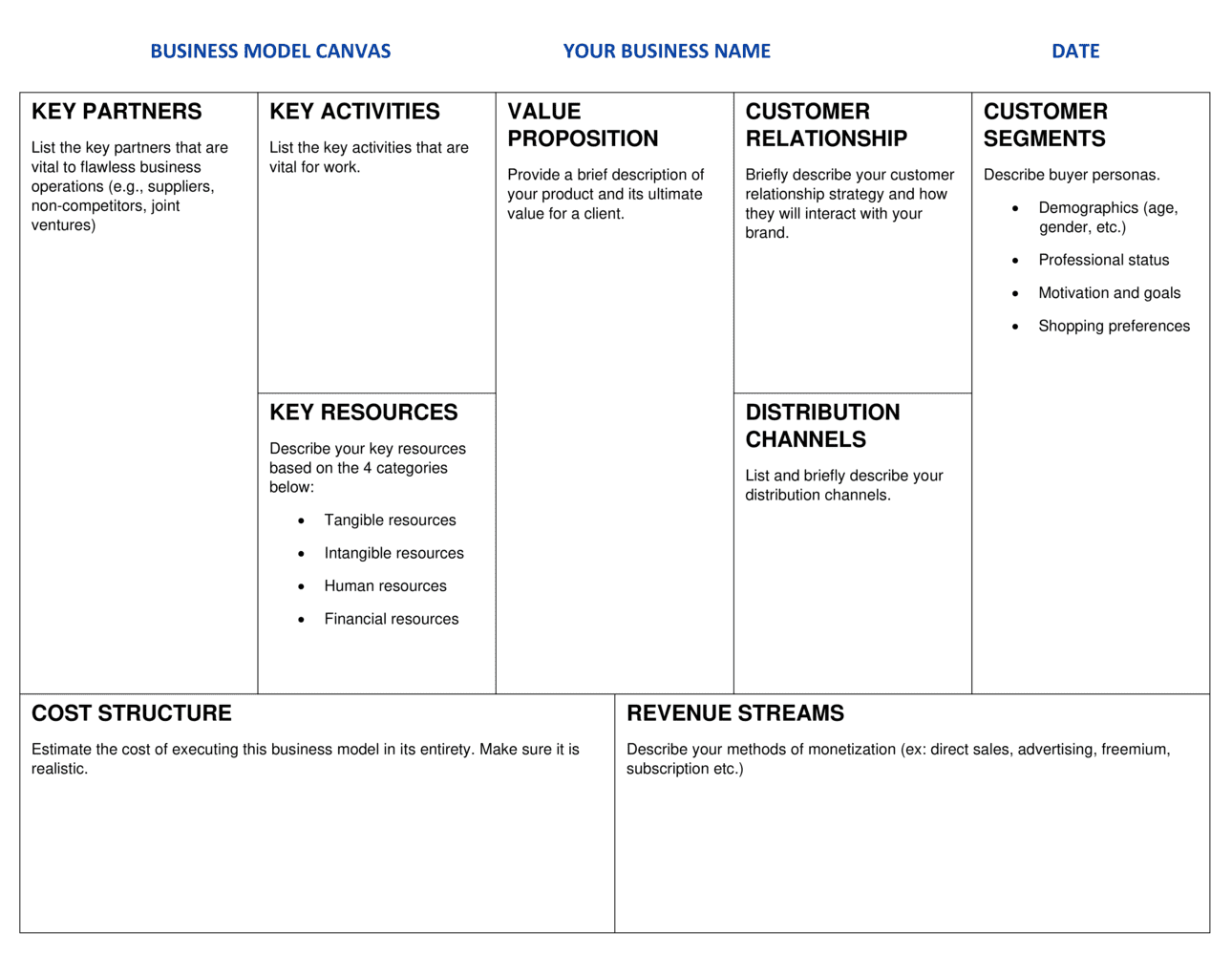
- The specific bundle of products, services, or outcomes that creates value for a defined customer segment and distinguishes the business from alternatives.
- Customer Segment
- A distinct group of people or organizations the business aims to reach and serve, defined by shared needs, behaviors, or characteristics.
- Revenue Stream
- The mechanism through which a business generates cash from each customer segment — such as one-time sales, subscriptions, licensing fees, or usage charges.
- Cost Structure
- All costs incurred to operate the business model, categorized as fixed (rent, salaries) or variable (materials, commissions).
- Key Activities
- The most critical things a company must do to make its business model work — producing, problem-solving, or managing a platform.
- Key Resources
- The assets required to deliver the value proposition, including physical equipment, intellectual property, human capital, and financial reserves.
- Key Partners
- The external companies, suppliers, or alliances the business relies on to perform activities or acquire resources it does not own internally.
- Customer Relationships
- The type of relationship a company establishes with each customer segment — ranging from self-service and automation to dedicated personal assistance.
- Channels
- The touchpoints through which a company communicates with and delivers its value proposition to customer segments, including sales, distribution, and after-sales.
- Lean Canvas
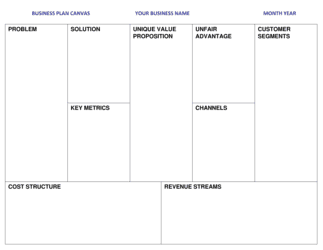
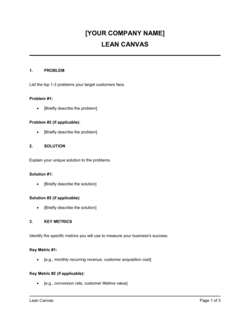
- A startup-focused adaptation of the Business Model Canvas that replaces Key Partners and Key Activities with Problem and Solution blocks to emphasize hypothesis testing.