- Lean Canvas
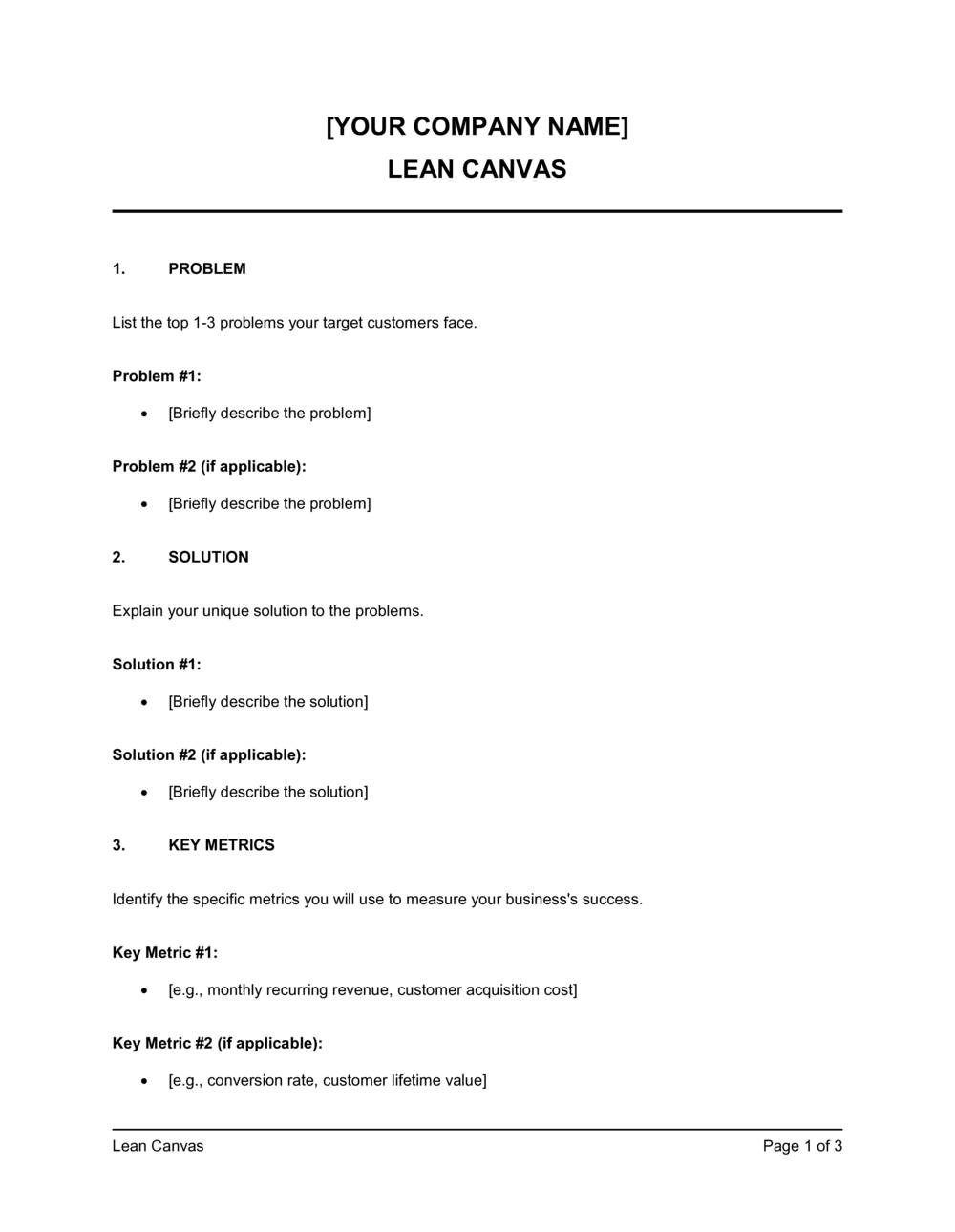
- A one-page business model framework by Ash Maurya that replaces traditional business plans for early-stage startups, organizing nine core assumptions into a single structured grid.
- Unique Value Proposition (UVP)
- A single, clear statement that explains what you offer, who it is for, and why it is meaningfully different from every available alternative.
- Unfair Advantage
- Something your business has that cannot easily be copied or bought β a proprietary algorithm, exclusive partnership, founder expertise, or network effect.
- Early Adopter
- The specific subset of your target customer segment most likely to try your product first, despite it being unproven, because the problem is acutely painful for them.
- Key Metrics
- The one to three numbers that tell you whether your business is working β for example, weekly active users, trial-to-paid conversion rate, or monthly recurring revenue.
- Problem-Solution Fit
- The stage where you have validated that a real customer segment has the problem you identified and that your proposed solution addresses it in a way they find compelling.
- Pivot
- A structured course correction based on validated learning β changing one or more fields on the canvas (e.g., customer segment or solution) while keeping what is working.
- Cost Structure
- All fixed and variable costs required to operate the business model β including customer acquisition, hosting, salaries, and production costs.
- Revenue Streams
- The specific ways the business captures value from customers β subscriptions, one-time purchases, licensing fees, advertising, or transaction commissions.
- Channels
- The paths through which you reach your customer segments to deliver your value proposition β organic search, paid ads, direct sales, app stores, or partnerships.