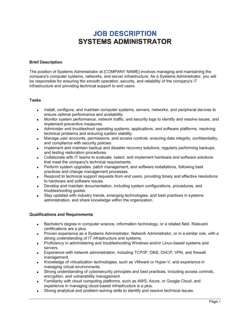
- Systems Administrator
- An IT professional responsible for installing, configuring, maintaining, and monitoring an organization's servers, operating systems, and internal network infrastructure.
- Active Directory
- Microsoft's directory service for managing user accounts, permissions, and network resources across an organization's Windows environment.
- SLA (Service Level Agreement)
- A defined commitment specifying the response and resolution timeframes the IT team must meet when handling system incidents or support requests.
- Patch Management
- The process of regularly applying security and functionality updates to operating systems, applications, and firmware to reduce vulnerabilities.
- Disaster Recovery Plan
- A documented set of procedures for restoring IT systems and data to an operational state following an outage, cyberattack, or hardware failure.
- ITIL (Information Technology Infrastructure Library)
- A widely adopted framework of best practices for IT service management, covering incident, change, and problem management processes.
- Virtualization
- Technology that allows multiple virtual machines to run on a single physical server, improving hardware utilization and enabling faster deployment.
- RTO / RPO
- Recovery Time Objective and Recovery Point Objective — the maximum tolerable downtime and maximum acceptable data loss, respectively, used to design backup and recovery strategies.
- RBAC (Role-Based Access Control)
- A security model that restricts system access based on the user's job role, limiting exposure to sensitive data and reducing insider-threat risk.
- On-Call Rotation
- A scheduled arrangement in which team members take turns being available outside normal working hours to respond to critical system incidents.
- Scope of Work
- The defined boundaries of responsibilities assigned to a role, establishing what the employee is — and is not — expected to perform.