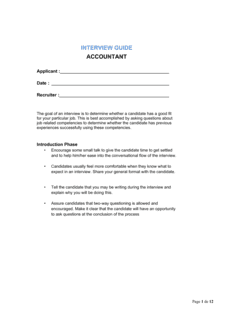
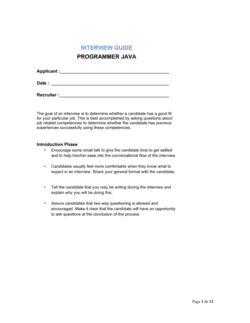
Interview Guide Accounting Technician

Free to read β€’ Save or share with one click

FreeInterview Guide Accounting Technician Template

At a glance

What it is
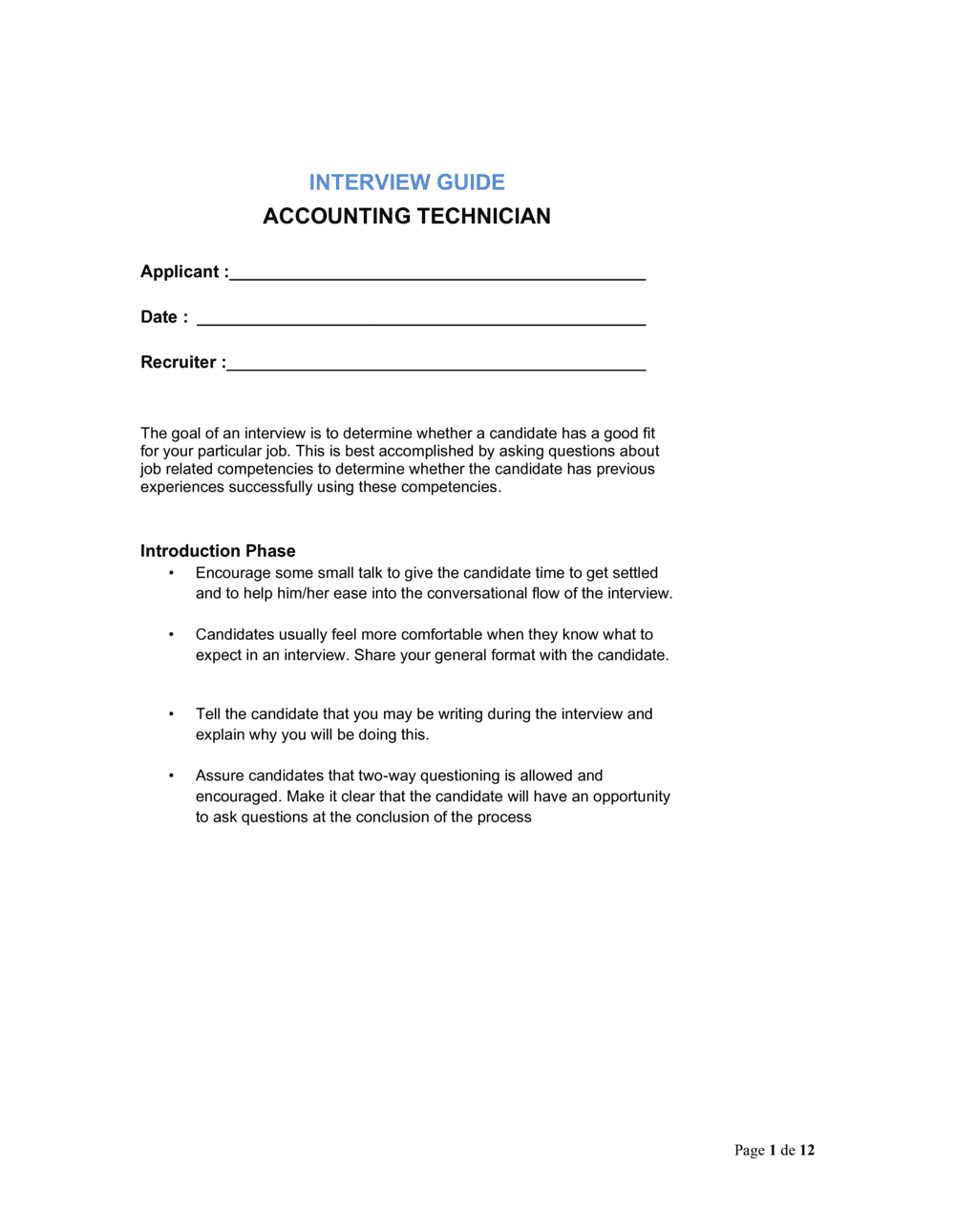
An Interview Guide for an Accounting Technician is a structured document that standardizes every stage of the candidate evaluation process β€” from opening questions through technical assessments, behavioral probes, and scoring rubrics. This free Word download gives hiring managers a consistent, defensible framework they can edit online and reuse across multiple interview panels for any accounting technician role.
When you need it
Use it whenever you are filling an accounting technician, bookkeeper, or junior accountant position and need more than one interviewer or panel to evaluate candidates against the same criteria. It is especially valuable when the hiring manager is not an accounting specialist and needs structured guidance to assess technical competence objectively.
What's inside
Role overview and competency map, candidate information sheet, structured opening questions, technical skills assessment questions with model answers, behavioral interview questions mapped to core competencies, a numerical scoring rubric, interviewer notes sections, and a final recommendation summary.

What is an Interview Guide for an Accounting Technician?

An Interview Guide for an Accounting Technician is a structured evaluation document that gives hiring panels a standardized set of technical, behavioral, and situational questions, model answers, and a scored competency rubric to assess candidates for accounting technician, bookkeeper, and junior accountant roles. Rather than leaving interviewers to improvise, the guide maps every question to a specific competency β€” reconciliation accuracy, accounts payable processing, software proficiency, deadline management β€” and provides a 1–4 anchored rating scale so that multiple interviewers produce comparable, defensible scores. The result is a hiring process that can be documented, audited, and repeated consistently across every candidate in a selection round.

Why You Need This Document

Without a structured interview guide, each interviewer in a panel asks different questions, applies different standards, and scores from memory β€” producing scores that reflect personal impressions more than actual accounting competence. The most likeable candidate beats the most technically capable one, and the organization has no written record to justify the decision if a rejected applicant raises a complaint. A completed interview guide closes that gap: it documents exactly what was asked, what the candidate said, and how each response was scored against defined criteria. For accounting roles specifically, where a single reconciliation error or missed posting can cascade through a set of financial statements, hiring on structured evidence rather than gut feel is a direct operational risk control.

Which variant fits your situation?

If your situation is…Use this template
Hiring a senior accountant or CPA-level candidateInterview Guide Senior Accountant
Filling a bookkeeper role focused solely on data entry and reconciliationInterview Guide Bookkeeper
Screening multiple candidates rapidly before full interviewsPhone Screen Interview Guide
Evaluating a candidate for a payroll-specific accounting roleInterview Guide Payroll Specialist
Assessing an accounts-payable coordinator positionInterview Guide Accounts Payable Specialist
Hiring a full-charge bookkeeper for a nonprofit organizationInterview Guide Nonprofit Accountant
Conducting a structured reference check after the interviewReference Check Form

Common mistakes to avoid

❌ Improvising questions instead of following the guide

Why it matters: Ad hoc questions vary between candidates, making scores incomparable and exposing the organization to claims of inconsistent or discriminatory treatment during a hiring challenge.

Fix: Read each question from the guide verbatim. If a candidate's answer prompts a follow-up, use only the probing questions already listed in the guide rather than improvising new ones.

❌ Scoring after the interview from memory

Why it matters: Memory-based scoring is heavily skewed by recency and halo effects β€” the last answer and the candidate's overall likability disproportionately inflate all other scores.

Fix: Score each competency immediately after the candidate answers, while notes are fresh. Close the guide before moving to the next section so earlier scores are not revised based on later performance.

❌ Skipping the panel debrief and letting the hiring manager decide alone

Why it matters: A single decision-maker's assessment eliminates the bias-checking function of the panel and discards the technical perspective of any specialist on the panel.

Fix: Require every panelist to submit their completed scoring rubric before the debrief conversation. Discuss significant scoring gaps β€” a difference of two or more points on a single competency β€” before reaching a consensus.

❌ Accepting software proficiency self-ratings without a task-based probe

Why it matters: Candidates consistently overstate accounting software proficiency by one to two levels on self-assessment scales, leading to mismatched hires who require remedial training in the first 90 days.

Fix: Follow every self-rated software question with a specific task prompt β€” 'Describe exactly how you would run a bank reconciliation report in [SOFTWARE NAME]' β€” and compare the answer against the model response in the guide.

The 10 key sections, explained

Role overview and competency map

Candidate information sheet

Opening and rapport questions

Technical knowledge questions

Behavioral interview questions

Situational judgment questions

Software and systems proficiency assessment

Candidate questions and closing

Scoring rubric and competency ratings

Panel debrief and hiring recommendation

How to fill it out

  1. 1

    Customize the role overview and competency map

    Replace the placeholder job title, reporting line, and competency list with the specific requirements of your open position. Remove any competencies the role does not require and add any that are specific to your systems or industry.

    πŸ’‘ Limit the competency map to seven items β€” more than seven means you cannot score each one meaningfully in a 45-minute interview.

  2. 2

    Brief all interviewers before the first session

    Share the completed guide with every panel member at least 24 hours before the first interview. Confirm who is responsible for each section and agree on who takes the lead if a candidate asks a question outside the script.

    πŸ’‘ Assign the technical questions section to the most accounting-experienced interviewer on the panel β€” non-specialist interviewers often skip technical probes when they cannot evaluate the answer.

  3. 3

    Enter candidate details on each guide copy

    Print or open a separate copy of the guide for each candidate. Enter the candidate's name, the interview date, the position reference, and each interviewer's name before the session begins.

    πŸ’‘ Use the job reference number as the file name when saving digital copies β€” this makes audit retrieval straightforward if a rejected candidate challenges the hiring decision.

  4. 4

    Run the technical section with specific scenario questions

    Read each technical question exactly as written. If the candidate's first answer is vague, use the follow-up probe provided in the guide before moving on. Record key phrases from the candidate's response in the notes field.

    πŸ’‘ Time the technical section with a phone timer β€” it should run 12–15 minutes for a competent candidate. Candidates who take significantly longer under no time pressure may struggle with period-end deadlines.

  5. 5

    Score behavioral answers using the STAR framework

    For each behavioral question, check whether the candidate provided a specific Situation, a defined Task, a concrete Action they personally took, and a measurable Result. Record the score on the rubric immediately after the answer, not at the end of the interview.

    πŸ’‘ If a candidate cannot provide a specific past example after one follow-up prompt, score the competency at 1 β€” hypothetical answers do not meet the behavioral evidence standard.

  6. 6

    Complete independent scores before the panel debrief

    After the interview closes, every panelist completes their own scoring rubric before any discussion. Record the individual scores in the debrief section, then discuss.

    πŸ’‘ Collect paper or digital score sheets before the debrief conversation begins β€” verbal-only scoring allows the first speaker to anchor everyone else's ratings.

  7. 7

    Record the hire/no-hire decision with documented reasoning

    In the final recommendation section, enter the consolidated score, the panel's agreed decision, and two to three specific reasons tied to scored competencies. Sign and date the completed guide.

    πŸ’‘ Retain completed interview guides for a minimum of 12 months after the hire decision β€” in most jurisdictions this is the minimum period for a rejected candidate to raise a discrimination claim.

Frequently asked questions

What is an interview guide for an accounting technician?

An interview guide for an accounting technician is a structured document that gives hiring managers a consistent set of questions, scoring criteria, and evaluation instructions for assessing candidates for an accounting technician role. It covers technical accounting competencies β€” reconciliation, accounts payable and receivable, period-end procedures, and software proficiency β€” alongside behavioral and situational questions. Using a structured guide ensures every candidate is evaluated on the same criteria, reducing bias and improving the quality of hiring decisions.

What questions should be in an accounting technician interview?

An effective accounting technician interview should include technical questions on bank reconciliation, purchase and sales ledger processing, journal entries, and the specific software the role uses. Behavioral questions should probe for accuracy under deadline pressure, error detection and correction, and communication with non-finance colleagues. Situational questions test judgment in common real-world scenarios such as a month-end discrepancy or a disputed supplier invoice. A scoring rubric tied to each question makes the evaluation defensible and consistent.

How long should an accounting technician interview take?

A structured accounting technician interview typically runs 45 to 60 minutes for a single panel. Allow 10 minutes for opening and rapport, 15 minutes for technical questions, 15 minutes for behavioral and situational questions, 5 minutes for software proficiency, and 5 minutes for candidate questions and closing. Rushing the technical section to save time is the most common format error β€” it produces unreliable scores on the competencies that matter most for the role.

Can a non-accountant use this interview guide?

Yes. The guide is designed so that HR managers, operations directors, or small business owners without accounting backgrounds can conduct a structured, competency-based interview. Each technical question includes a model answer that describes what a strong, adequate, and weak response looks like, so the interviewer can score accurately without needing to be an accounting specialist. For senior or technically complex roles, pairing a non-specialist interviewer with an accounting team member on the panel is still recommended.

How should candidates be scored on this interview guide?

Use the anchored 1–4 rating scale included in the guide. Score each competency immediately after the candidate answers the corresponding question β€” do not wait until the end of the interview. Each point on the scale corresponds to a specific behavioral description, not a generic label. After the interview, all panelists should submit their independent scores before discussing results, and any gap of two or more points on a single competency should be resolved through discussion before a final recommendation is recorded.

How is a structured interview guide different from a list of interview questions?

A list of questions tells you what to ask. A structured interview guide tells you what to ask, how to score the answers, what a strong answer looks like, which competency each question measures, and how to reach a documented hiring decision. The scoring rubric and competency map are what make the guide defensible β€” they allow you to compare candidates objectively and to document the reasoning behind a hire or no-hire decision if it is ever challenged.

How long should completed interview guides be retained?

Retain completed interview guides for at least 12 months after the hiring decision in most jurisdictions β€” this covers the typical window in which a rejected candidate can file a discrimination or unfair treatment claim. In the EU under GDPR, candidate data must not be held longer than necessary for the recruitment purpose, so document your retention policy and destroy records after the retention period expires. Consult local employment law guidance for jurisdiction-specific requirements.

What accounting software skills should be assessed in the interview?

The guide should be customized to the software your organization actually uses. Common platforms for accounting technician roles include QuickBooks Online, Xero, Sage 50 or Sage Intacct, SAP Business One, and Microsoft Dynamics. Spreadsheet proficiency β€” particularly Excel functions like VLOOKUP, pivot tables, and basic formulas β€” is relevant for almost every accounting technician role regardless of the primary accounting platform. Ask task-based questions rather than relying on self-reported ratings.

Can this guide be used for a remote interview?

Yes. The guide works for video interviews with no modifications to the question or scoring sections. Add a note in the opening section to confirm the video connection, sound, and screen-sharing capability at the start. For remote interviews, consider sharing the software proficiency section as a brief screen-share task rather than a verbal question β€” asking the candidate to demonstrate a specific action in their accounting software provides stronger evidence than a self-rated answer.

How this compares to alternatives

vs Job Description β€” Accounting Technician

A job description defines the role for candidates and the public. An interview guide operationalizes that description into scored, structured questions for the evaluation panel. The job description attracts candidates; the interview guide determines which one is hired. Both documents should reference the same competency list so the evaluation criteria are consistent with what was advertised.

vs Reference Check Form

A reference check form gathers third-party verification of a candidate's past performance after the interview. The interview guide produces the internal evaluation; the reference check form tests whether that evaluation is consistent with how previous employers experienced the candidate. They are used sequentially β€” guide first, reference check for the shortlisted finalist.

vs Performance Review Template β€” Accounting Technician

A performance review template assesses an employee already in the role against defined KPIs. An interview guide assesses a candidate before hiring. The competency map in the interview guide should align directly with the performance criteria used in the first 90-day review so new hires are not evaluated on dimensions they were never tested on during selection.

vs Employee Onboarding Checklist

An onboarding checklist covers the steps required to integrate a new hire into the organization after the hiring decision is made. An interview guide informs that onboarding by documenting the gaps and development areas identified during the interview β€” the completed guide should be passed to the hiring manager to shape the new employee's first 30 days.

Industry-specific considerations

Accounting and Professional Services

Firms hiring accounting technicians to support client engagements need guides that probe for multi-client ledger management, confidentiality, and deadline handling across simultaneous month-ends.

Retail and E-commerce

High transaction volumes make accounts payable processing speed and accuracy the primary competencies to assess, alongside experience with inventory cost accounting and point-of-sale reconciliation.

Healthcare

Accounting technicians in healthcare must understand billing codes, insurance receivables, and fund accounting for grants β€” the technical section of the guide should be customized to include these scenarios.

Construction and Trades

Project-based cost coding, progress billing reconciliation, and subcontractor payment processing are the critical technical areas to probe for accounting technicians in construction environments.

Template vs pro β€” what fits your needs?

PathBest forCostTime
Use the templateHR managers, small business owners, and hiring managers conducting standard accounting technician interviews without a specialist recruiterFree30–60 minutes to customize, 45–60 minutes per interview session
Template + professional reviewOrganizations hiring for multiple accounting roles or building a repeatable hiring process across several departments$300–$800 for an HR consultant or industrial-organizational psychologist to validate the competency map and scoring rubric2–5 business days
Custom draftedLarge finance teams, regulated industries (banking, healthcare), or organizations that have faced prior hiring discrimination claims and need a legally audited selection process$1,500–$4,000 for a custom structured interview design by an HR specialist2–4 weeks

Glossary

Structured Interview
An interview format in which every candidate is asked the same predetermined questions in the same order and scored on a common rubric.
Behavioral Question
A question that asks candidates to describe a specific past situation to predict future performance β€” typically framed as 'Tell me about a time when…'
STAR Method
A response framework covering Situation, Task, Action, and Result β€” used to evaluate whether a candidate's behavioral answers are specific and outcome-oriented.
Competency Map
A list of skills, behaviors, and knowledge areas required for a role, used to ensure interview questions cover every critical dimension of the job.
Scoring Rubric
A numeric scale β€” typically 1 to 4 or 1 to 5 β€” with defined behavioral anchors at each level, used to rate candidate responses consistently across interviewers.
Technical Assessment
A section of the interview testing role-specific knowledge β€” for accounting technicians, this covers areas like reconciliation, journal entries, accounts payable/receivable, and period-end procedures.
Anchored Rating Scale
A scoring scale where each number corresponds to a specific, written description of what that level of performance looks like β€” reducing subjective interpretation.
Panel Interview
An interview conducted by two or more interviewers simultaneously, requiring a shared guide to ensure consistent question delivery and independent scoring.
Situational Question
A hypothetical question presenting a candidate with a realistic work scenario and asking how they would handle it β€” useful for assessing judgment in novel situations.
Adverse Impact
A legal concept describing when a hiring practice disproportionately screens out candidates from a protected group β€” structured interview guides reduce this risk by standardizing evaluation criteria.

Part of your Business Operating System

This document is one of 3,000+ business & legal templates included in Business in a Box.

  • Fill-in-the-blanks β€” ready in minutes
  • Compatible with all office suites
  • Export to PDF and share electronically

Create your document in 3 simple steps.

From template to signed document β€” all inside one Business Operating System.
1
Download or open template

Access over 3,000+ business and legal templates for any business task, project or initiative.

2
Edit and fill in the blanks with AI

Customize your ready-made business document template and save it in the cloud.

3
Save, Share, Send, Sign

Share your files and folders with your team. Create a space of seamless collaboration.

Save time, save money, and create top-quality documents.

β˜…β˜…β˜…β˜…β˜…

"Fantastic value! I'm not sure how I'd do without it. It's worth its weight in gold and paid back for itself many times."

Managing Director Β· Mall Farm
Robert Whalley
Managing Director, Mall Farm Proprietary Limited
β˜…β˜…β˜…β˜…β˜…

"I have been using Business in a Box for years. It has been the most useful source of templates I have encountered. I recommend it to anyone."

Business Owner Β· 4+ years
Dr Michael John Freestone
Business Owner
β˜…β˜…β˜…β˜…β˜…

"It has been a life saver so many times I have lost count. Business in a Box has saved me so much time and as you know, time is money."

Owner Β· Upstate Web
David G. Moore Jr.
Owner, Upstate Web

Run your business with a system β€” not scattered tools

Stop downloading documents. Start operating with clarity. Business in a Box gives you the Business Operating System used by over 250,000 companies worldwide to structure, run, and grow their business.

Start freeΒ Β·Β No credit card required