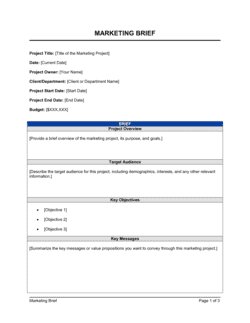
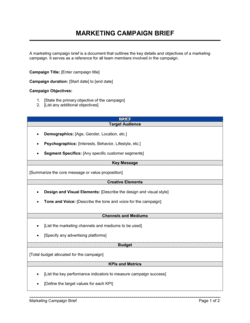
- Product Brief
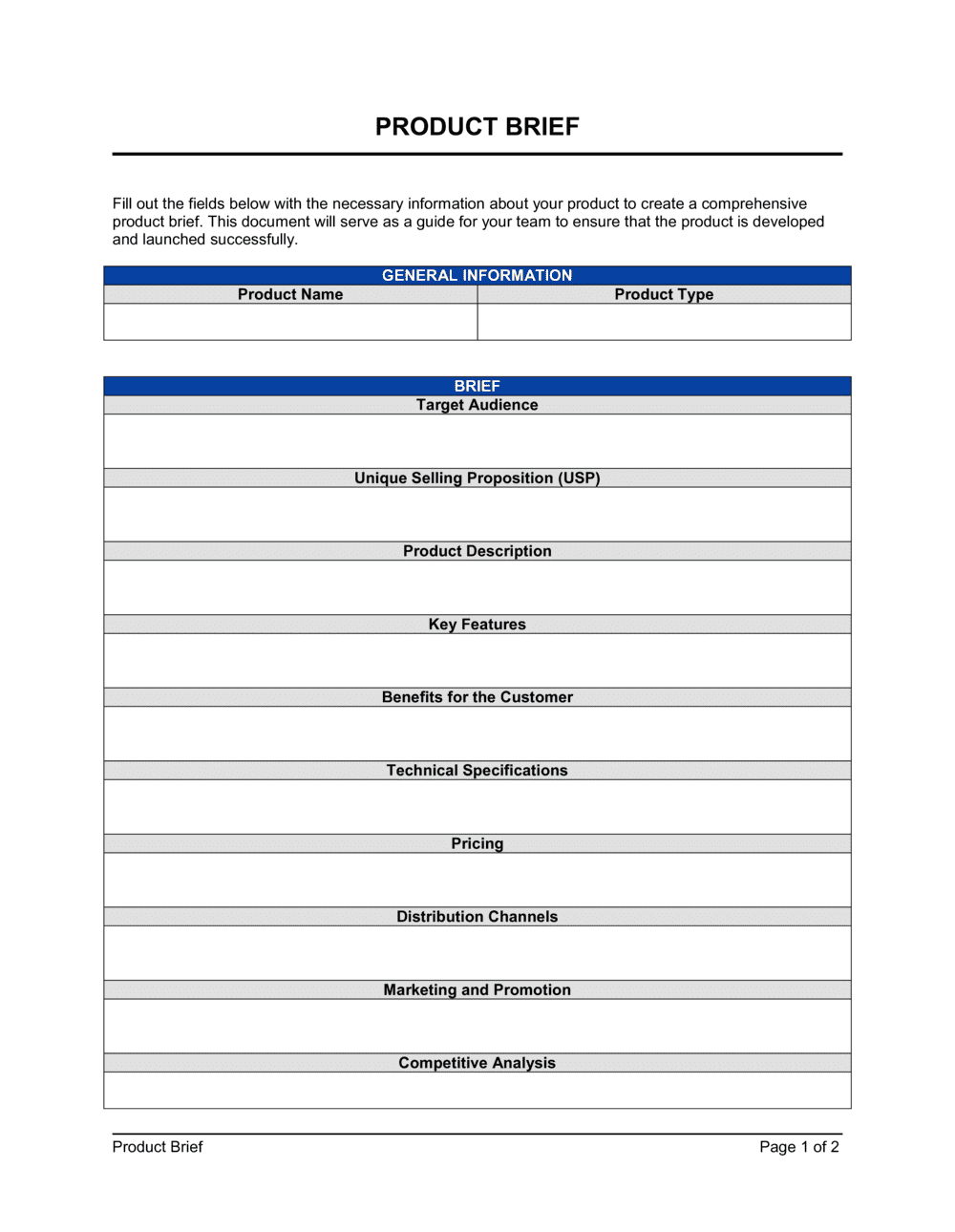
- A formal document that captures the vision, requirements, scope, and success criteria for a product or product initiative before development begins.
- Scope
- The defined boundaries of what a product will and will not include in a given release or engagement, used to prevent uncontrolled growth of requirements.
- Functional Requirements
- Specific behaviors, features, or capabilities the product must have to satisfy user needs — described in terms of what the system does.
- Non-Functional Requirements
- Quality attributes a product must meet — such as performance, security, accessibility, and uptime — independent of specific features.
- Success Metrics
- Quantifiable indicators used to determine whether the product has achieved its intended outcomes, such as adoption rate, task completion time, or revenue.
- Stakeholder Sign-Off
- Formal approval by designated decision-makers confirming they have reviewed and accepted the product brief before work begins.
- Constraint
- A fixed limitation on the product — budget ceiling, technology stack, regulatory requirement, or deadline — that shapes what is feasible.
- Dependency
- An external factor, system, team, or deliverable that the product relies on and whose status affects the product's development timeline.
- User Persona
- A research-based composite profile of a target user type, including their goals, pain points, and context of use, used to focus product decisions.
- Acceptance Criteria
- Specific, testable conditions that a product or feature must meet for a stakeholder to accept it as complete.
- MVP (Minimum Viable Product)
- The smallest version of a product that delivers enough value to real users to generate learning and validate core assumptions.