1
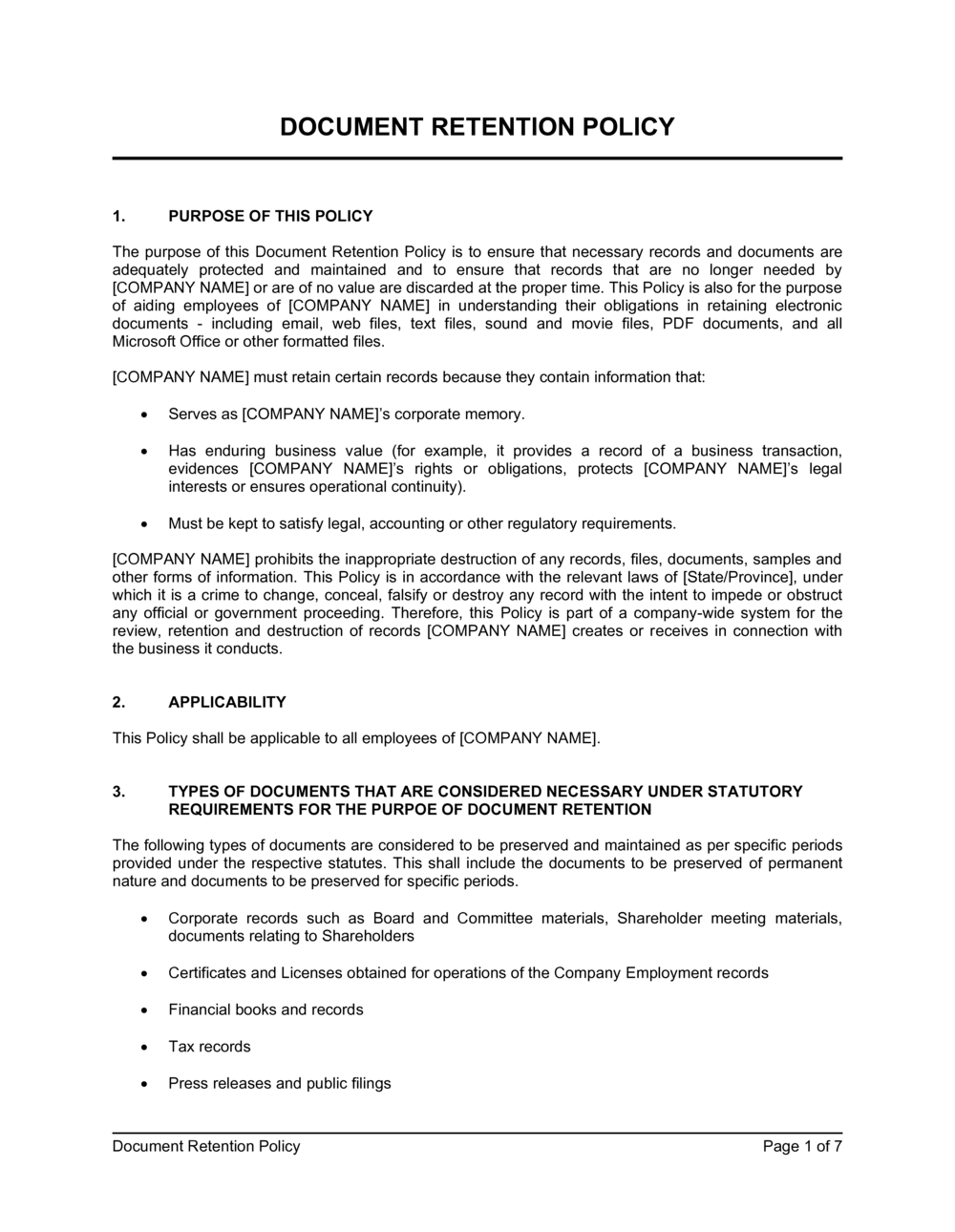
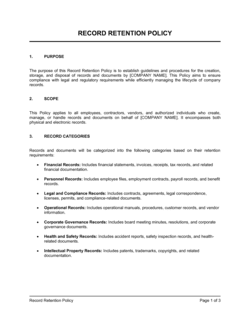
Identify all record categories your business generates
List every type of document your organization creates, receives, or stores — financial, HR, legal, operational, and communications. Group them into logical categories that will map to your retention schedule.
💡 Interview one person from each department before you draft the schedule — finance, HR, legal, and IT will surface record types that a top-down approach misses.
2
Research applicable retention requirements for each category
Look up the specific federal and state or provincial minimum retention periods for each record type — IRS Publication 583 for tax records, FLSA for payroll, EEOC regulations for employment records. Note the authority (statute or regulation) next to each line item.
💡 When multiple rules apply to the same record category, use the longest retention period to satisfy all of them simultaneously.
3
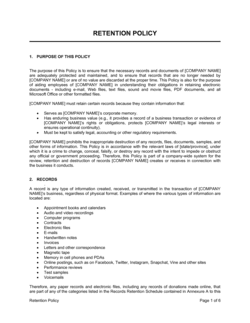
Build the retention schedule table
Enter each record category, its minimum retention period, the legal authority, the storage location, and the approved destruction method. Use the template's pre-populated schedule as a starting point and edit to match your jurisdiction and industry.
💡 Add a 'Vital Records' row at the top for documents kept permanently — incorporation papers, deeds, board minutes, and insurance policies — so they are never accidentally scheduled for destruction.
4
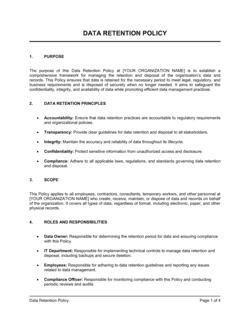
Define storage and access controls for each category
For each record category, specify where it lives (file server folder, cloud system, physical cabinet), who can access it, and what security classification applies. Align digital storage locations with your IT team's backup schedule.
💡 Map electronic retention periods directly to your document management system's auto-archive or auto-delete rules so enforcement is automated rather than manual.
5
Write the legal hold trigger and escalation procedure
Draft the procedure for how a legal hold is issued — who receives notice, what records are frozen, and who confirms compliance from each department. Name the specific role (e.g., General Counsel or COO) authorized to issue and lift holds.
💡 Test the legal hold procedure with a tabletop exercise before finalizing the policy — walk through a hypothetical lawsuit and confirm every step is actionable.
6
Specify destruction methods and logging requirements
Identify the approved physical destruction method (cross-cut shredding, certified vendor) and the electronic destruction standard (NIST SP 800-88 or equivalent). Create a Destruction Log template that captures record category, date, method, quantity, and authorizing signature.
💡 Use a certified third-party shredding vendor and retain their certificates of destruction for at least 3 years — these are your proof of compliance if a record is later demanded in discovery.
7
Distribute the policy and train employees
Share the finalized policy with all employees and require written acknowledgment. Provide a brief training session or FAQ document covering the most commonly misunderstood categories — email retention, text messages, and shared drive files.
💡 Add a one-page quick-reference summary of the 10 most common record categories and their retention periods — employees will use this daily rather than the full policy document.
8
Schedule annual reviews and set calendar reminders
Assign a named owner to the annual review, put it on the compliance calendar, and document each review in a policy change log even when no amendments are made.
💡 Subscribe to update notifications from the IRS, EEOC, and any industry regulator so you catch statutory changes to retention minimums before your next scheduled review.