1
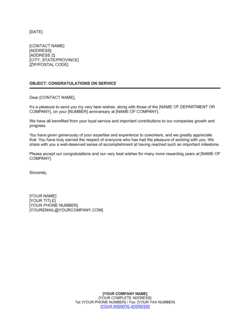
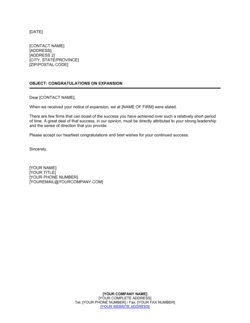
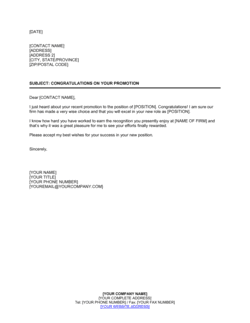
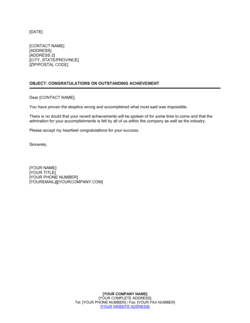
Enter the sender's details on the letterhead
Add the sending organization's name, logo, full address, and contact details to the letterhead section at the top of the template. Then enter the sender's full name, job title, and the letter date.
💡 Use the organization's official letterhead if this letter will be filed in a personnel record or sent externally — it signals formality and authenticity.
2
Fill in the recipient's address block
Enter the recipient's full legal name, professional title, organization, and mailing or office address in the address block. For internal letters, include the department and employee ID if your HR system requires it.
💡 Confirm the spelling of the recipient's name and the correct form of their title before sending — a misspelled name in a congratulations letter undermines the recognition.
3
Write a specific salutation
Address the recipient by name — 'Dear [FIRST NAME LAST NAME],' for formal external letters, or 'Dear [FIRST NAME],' for close professional relationships within the same organization.
💡 When in doubt, default to the more formal full-name salutation. Recipients rarely object to formality; an overly casual salutation in a professional file can feel dismissive.
4
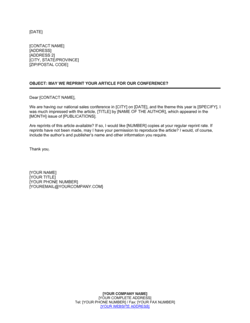
Name the article, publication, and date
In the opening paragraph, enter the exact title of the article in quotation marks, the full name of the publication, and the date it was published. Do not paraphrase the title.
💡 Pull the exact article title from the publication itself rather than from memory or a forwarded email — small discrepancies in titles can cause confusion if the letter is later referenced.
5
Describe the professional significance of the article
Write two to three sentences explaining what the article covers, why it matters to the field, and what it demonstrates about the recipient's expertise. Reference the subject matter specifically.
💡 Read at least the abstract or first three paragraphs of the article before writing this section. Generic descriptions signal that the sender did not actually engage with the work.
6
Add the organizational pride or collegial support statement
Connect the achievement to the organization or professional community. State how the publication reflects on the company, institution, or field, and why it is valued.
💡 For external letters, mention the recipient's organization by name. It reinforces goodwill and makes the letter feel personalized rather than templated.
7
Write a forward-looking closing sentence
Add one sentence encouraging the recipient's continued contributions or expressing interest in their future work. This transforms the letter from a backward-looking acknowledgment into a forward-looking professional relationship builder.
💡 If there is an opportunity for collaboration or further engagement, this is the natural place to mention it briefly without overcommitting.
8
Sign and send
Apply the sender's handwritten or electronic signature above the printed name and title. For personnel files, retain a countersigned or date-stamped copy. For external letters, send by email as a PDF attachment or by physical mail on official letterhead.
💡 For letters going into a personnel file, use Business in a Box eSign to timestamp the signature and store the executed copy digitally.