Timesheet Management
Timesheets That Fill Themselves and Flow to Payroll
Manual timesheet entry is slow, error-prone, and hated by every employee. Business in a Box auto-populates timesheets from time tracking data, routes them through configurable approval workflows, and exports directly to payroll — cutting timesheet admin from hours to minutes.
The Problem
Manual Timesheets Are Costing You Time and Money
Employees forget to submit timesheets. Managers forget to approve them. Payroll chases missing data at the end of every period. Hours are estimated and rounded in ways that create billing inaccuracies. Spreadsheet-based timesheets get corrupted, emailed to the wrong person, or simply lost.
Business in a Box replaces manual timesheet chaos with an automated, connected system. Time is tracked as work happens, timesheets are generated automatically, approvals happen in-app, and the data exports to your payroll provider in the right format — every single period.
Platform Features
Timesheet Software Built for Accuracy and Efficiency
Business in a Box automates the entire timesheet lifecycle — from time capture to manager approval to payroll export — with full audit trails throughout.
Auto-Population
Timesheets From Time Tracking
Time tracked via the built-in timer or manual entry automatically populates the corresponding timesheet period. Employees review and submit — no duplicate data entry required.
Period Management
Flexible Pay Period Configuration
Configure weekly, bi-weekly, semi-monthly, or monthly timesheet periods. Timesheets open and close automatically, with reminders sent to employees before the submission deadline.
Approvals
Multi-Level Approval Workflows
Route timesheets through one or multiple approvers — line managers, HR, or finance — with configurable approval chains based on department, role, or project type.
Payroll Export
Payroll-Ready Export
Export approved timesheets to CSV, XLSX, or directly to integrated payroll providers. Eliminate manual re-entry and the errors that come with it.
Compliance
Audit Trail and Compliance Logs
Every timesheet submission, edit, and approval is logged with a timestamp and user record. Satisfy labor law compliance requirements and pass audits with complete timesheet history.
Reporting
Hours and Cost Reporting
View hours worked by employee, project, client, or cost center across any date range. Compare actual versus budgeted hours and track labor costs in real time.

A Day in the Life
Timesheet Management Without the Weekly Fire Drill
When timesheets are automated and connected, the end-of-period scramble disappears — and everyone gets paid accurately and on time.
Use Cases
Timesheet Software for Every Business Model
Whether you bill by the hour, manage salaried staff, or run a hybrid team, Business in a Box timesheet software adapts to your workforce structure.
Professional Services
Billable Hours Tracking
Track billable and non-billable hours by client and project. Generate accurate invoices directly from approved timesheet data without any manual calculation.
HR & Payroll
Payroll Processing Accuracy
Eliminate manual payroll data entry by exporting approved timesheets directly to your payroll system. Reduce errors and processing time every pay period.
Remote Teams
Distributed Team Timesheets
Manage timesheets for employees across multiple time zones and locations from one central dashboard. Approval workflows work regardless of where your managers are.
Project Management
Budget vs. Actual Hour Tracking
Compare estimated project hours to actuals in real time. Catch over-budget projects before they become problems and improve future project estimation.
Business OS Connections
Timesheets Connected to Time, Projects, and Payroll
Business in a Box connects timesheets to time tracking, project management, HR records, and payroll — so hours flow seamlessly through your entire business.
Time Tracking
Timesheets auto-populate from the time tracker. Hours tracked against tasks and projects flow directly into the right timesheet period without any manual transfer.
Projects
Timesheet hours are allocated to projects automatically. Project managers see real-time labor cost and hour consumption against budget.
HR Records
Timesheet history attaches to employee records. Overtime, leave, and attendance data is available in the HR module alongside timesheet approvals.
Finance & Invoicing
Approved billable hours flow directly into invoices. Bill clients accurately based on verified, approved timesheet data — not estimates.
Payroll
Export approved timesheet data to payroll in the format your provider requires. Supported formats include CSV, XLSX, and direct integrations with major payroll platforms.
Ready-to-Use Templates
Timesheet and Time Management Templates Included
Business in a Box includes professional templates for timesheet policies, time-off requests, project time budgets, and more — ready to customize for your business.
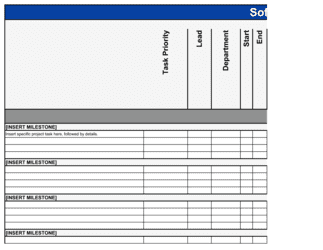
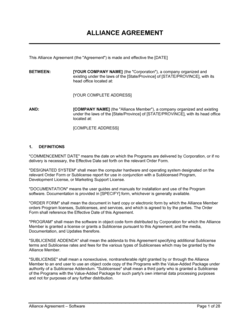
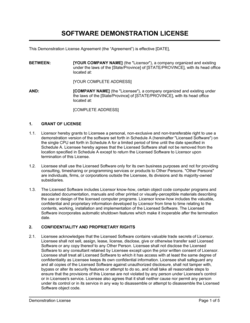
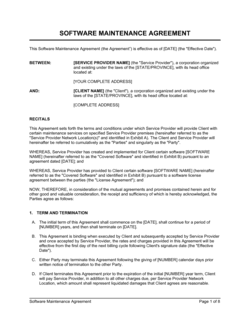
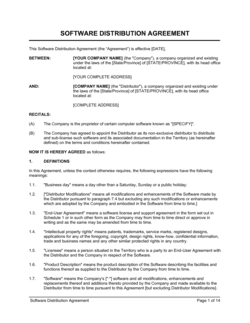
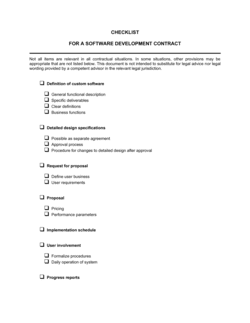
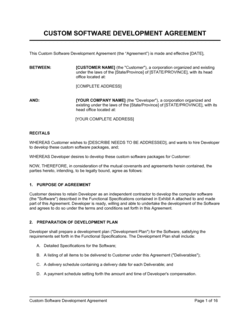
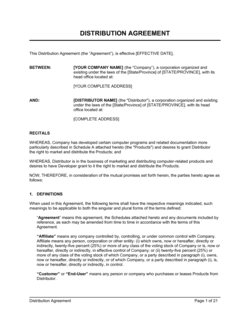

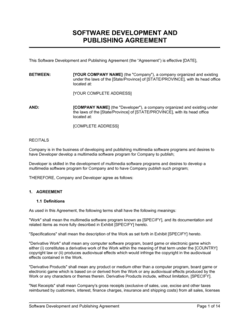
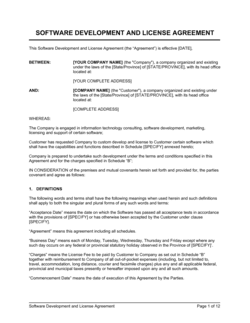
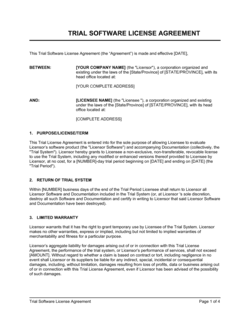
Each template is designed to help you move faster while giving your business more structure and consistency.
Browse All 3,000+ TemplatesPart of the Platform
Timesheet Software Is Just One Part ofthe Operating System
Business in a Box connects timesheet software to everything else your business needs to run.
Tasks & Projects
Plan, assign, and track tasks with full project management.
Docs & Knowledge
Organize policies, procedures, and business documents in one place.
Chat & Calls
Communicate with your team without switching apps.
Dashboard
See all data, project progress, and team performance in one view.
HR & People
Manage employees, attendance, and payroll-ready timesheets.
Ratings & Reviews
Rated Highly by Businesses Worldwide
What Businesses Say
Trusted by 250,000+ Businesses Worldwide
“We cut timesheet processing time from a full day to about an hour. The auto-population from time tracking is the feature our team loves most — they just review and submit.”
Olivia Hartmann — HR Director, Beacon Professional Services
“For a firm that bills by the hour, timesheet accuracy is everything. Business in a Box gave us verified, approved timesheet data that flows straight to invoicing. Our billing disputes dropped to zero.”
Michael Chang — Managing Partner, Chang & Associates
“Managing timesheets for 60 remote employees used to be a nightmare. Now everyone submits on time, approvals happen automatically, and payroll exports in minutes. It's transformed our back office.”
Isabelle Moreau — COO, RemoteFirst Technologies
Enterprise-Ready Security
Built for Trust, Security, and Compliance
Your data is protected by enterprise-grade infrastructure and compliance standards.


Questions
Frequently Asked Questions


Automate Your Timesheets. Simplify Your Payroll.
Join thousands of businesses that have replaced manual timesheet chaos with an automated, connected timesheet system. Set up your business today.
14-day money-back guarantee · Set up in minutes · Cancel anytime