Video Collaboration
Team Video Calls Built Into Your Business Operating System
Business in a Box includes built-in HD video calls for teams — no Zoom links, no Google Meet accounts, no app switching. Meet, collaborate, and share screens from the same platform where you manage your work.
The Problem
Video Calls Are Disconnected From the Work You're Discussing
Zoom and Google Meet are fine for calling — but they have no idea what you're working on. You join a meeting, discuss tasks, make decisions, and then close the window. None of that context makes it back into your project management tool. You're left copy-pasting notes, following up on decisions, and losing half of what was agreed.
Business in a Box integrates video calls directly into your operating system. Start a call from a project, a task, or a team channel — and when the call ends, your notes, decisions, and action items are already linked to the work they belong to.
Built-In Video Calls
HD Video With Full OS Integration — Not Just a Call Button
Business in a Box video calls are wired into your tasks, projects, and team communication — so every meeting has context before it starts and action items before it ends.
HD Video
Crystal-Clear HD Video for Any Team Size
Host one-on-ones, team standups, or all-hands meetings in HD. Business in a Box handles the quality so you can focus on the conversation.
Screen Sharing
Share Your Screen in One Click
Share your full screen, a specific window, or a document during any call. Review work, walk through reports, and collaborate visually without friction.
Project-Linked Calls
Start Calls From Projects and Tasks
Launch a video call directly from a project or task. The meeting is automatically connected to the work — no link-sharing, no context-setting.
Meeting Notes
Capture Notes During the Call
Take structured meeting notes inside the call interface. When the call ends, notes are automatically saved and linked to the project or task.
Action Items
Turn Discussion Points Into Tasks Instantly
During a call, convert any discussion point into a task with an owner and due date. Action items are in your task list before the call is over.
Scheduling
Schedule Calls Without Leaving the Platform
Book a video call from your project, task, or calendar inside Business in a Box. Invites go out automatically — no Calendly, no back-and-forth.

A Day With Business in a Box
What Team Video Looks Like When It's Part of Your OS
From morning standups to client reviews, here's how Business in a Box makes every video call more productive and every decision more traceable.
Who It's For
Video Calls for Every Team Type
Whether you're running a remote team, managing client projects, or coordinating across departments, Business in a Box keeps your video calls connected to your work.
Remote Teams
The Video Layer Your Remote Team Actually Needs
Remote teams get video calls that are connected to tasks, projects, and notes — so every meeting moves work forward instead of creating more follow-up.
Agencies
Client Calls With Full Project Context
Run client review calls from inside the project. Notes, decisions, and action items are captured in context — no separate recap email required.
SMBs
Replace Zoom Without Sacrificing Quality
Small and mid-size businesses get HD video built into their OS — one less subscription, one less app, and better context for every meeting.
Managers
One-on-Ones That Connect to Performance Data
Managers run one-on-ones from the HR module — with notes, goals, and previous check-in data right there in the call view.
Connected to Your OS
Video Calls That Work With the Rest of Your Business
Video calls in Business in a Box aren't an add-on — they're woven into projects, tasks, HR, and communication so every meeting creates value that lives beyond the call.
Projects
Launch calls from any project. Meeting notes and action items are automatically stored in the project — no manual linking.
Tasks
Turn call discussion points into tasks during the meeting. Owners and due dates are set before anyone hangs up.
Team Chat
Jump from a chat thread to a live video call in one click — and post the meeting summary back to the channel when you're done.
Calendar
Schedule video calls from your OS calendar. Invites include the meeting context and project link — nothing to set up manually.
HR Module
Run performance reviews, one-on-ones, and onboarding calls from inside HR — with employee context right on screen.
Ready-to-Use Templates
Start Every Meeting With the Right Structure
Business in a Box includes meeting templates for standups, project reviews, client calls, and one-on-ones — so every call starts with an agenda and ends with action items.
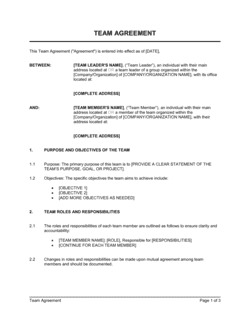
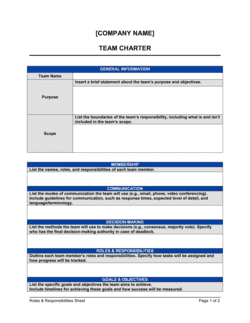
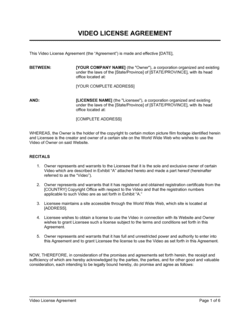
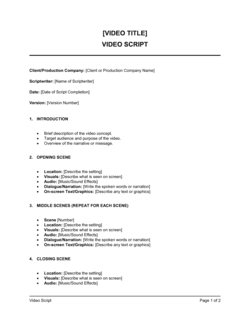
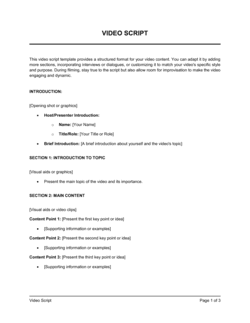
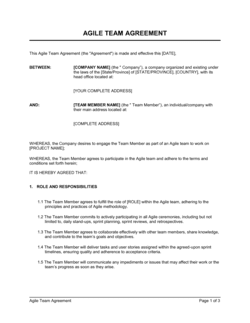
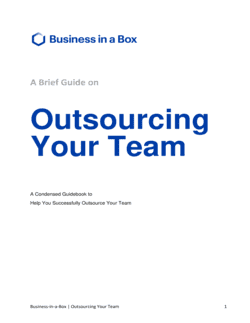
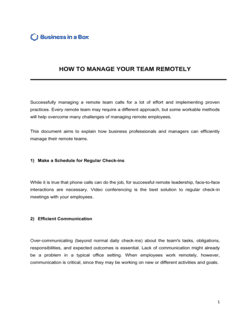
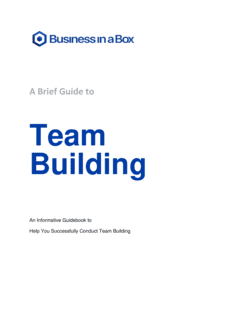
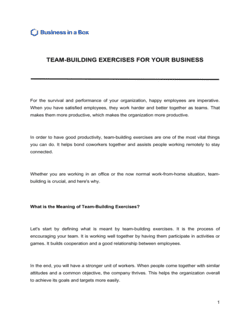
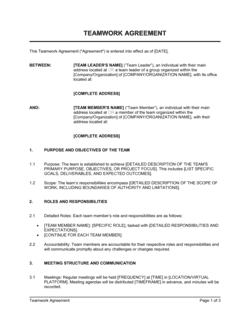
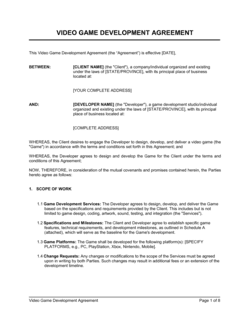
Each template is designed to help you move faster while giving your business more structure and consistency.
Browse All 3,000+ TemplatesPart of the Platform
Team Video Calls Is Just One Part ofthe Operating System
Business in a Box connects team video calls to everything else your business needs to run.
Tasks & Projects
Plan, assign, and track tasks with full project management.
Docs & Knowledge
Organize policies, procedures, and business documents in one place.
Chat & Calls
Communicate with your team without switching apps.
Dashboard
See all data, project progress, and team performance in one view.
HR & People
Manage employees, attendance, and payroll-ready timesheets.
Ratings & Reviews
Rated Highly by Businesses Worldwide
What Businesses Say
Trusted by 250,000+ Businesses Worldwide
“We cancelled Zoom. Having video calls linked to our projects means every decision is captured and action items show up in tasks automatically. It's a completely different experience.”
Tom Larsen — CEO, Larsen Creative
“Client calls used to mean an hour of meeting followed by an hour of recapping. Now the recap writes itself because everything is already linked to the project.”
Aisha Ndiaye — Account Director, Ndiaye Partners
“Our remote team finally feels like they're all in the same room. The video quality is great and everything stays connected to the work we're doing.”
Carlos Reyes — VP Engineering, Reyes Tech
Enterprise-Ready Security
Built for Trust, Security, and Compliance
Your data is protected by enterprise-grade infrastructure and compliance standards.


Questions
Frequently Asked Questions


Replace Zoom With Video Calls That Are Connected to Your Work
Business in a Box gives your team HD video, screen sharing, and meeting notes — all built into the same platform where you manage tasks, projects, and communication.
14-day money-back guarantee · Set up in minutes · Cancel anytime