Task Management
Every Task. Every Team. One Place.
Scattered to-do lists and missed follow-ups cost your business more than you think. Business in a Box gives you a unified task management system — connected to your projects, clients, and team — so nothing falls through the cracks and everyone knows what they're working on.
The Problem
Tasks Are Falling Through the Cracks Every Single Day
When tasks live in emails, chat messages, sticky notes, and half-updated spreadsheets, accountability evaporates. Deadlines slip because nobody has a clear view of what's due. Managers spend their time chasing status updates instead of making decisions. Priorities shift but the task list doesn't reflect it.
Business in a Box gives your business a single task management system that connects to every department, project, and client. Assign tasks, set priorities, track progress, and close work — all without leaving your business OS.
Platform Features
Task Management That Works the Way Your Business Does
Business in a Box's task management system is built for real business workflows — connected to projects, clients, and documents so tasks always have context.
Task Creation
Flexible Task Builder
Create tasks with assignees, due dates, priorities, tags, descriptions, attachments, and subtasks. Capture every detail needed to complete the work without extra meetings.
Views
List, Board, and Calendar Views
Switch between list view for detailed tracking, Kanban board for visual workflow management, and calendar view for deadline visibility — all on the same task data.
Delegation
Team Task Assignment
Assign tasks to individuals or teams, set watchers, and define clear ownership. Everyone knows what they're responsible for — and managers can see the full picture at a glance.
Notifications
Smart Reminders and Alerts
Automated deadline reminders, overdue task alerts, and assignment notifications keep your team on track without requiring manual follow-up from managers.
Dependencies
Task Dependencies
Define which tasks must be completed before others can begin. Avoid blockers and keep complex workflows moving in the right sequence automatically.
Reporting
Task Progress Reporting
Track completion rates, overdue tasks, and team workload across projects and departments. Replace status update meetings with real-time dashboards.

A Day in the Life
Task Management Running Your Workflow Every Day
From morning prioritization to end-of-day reporting, Business in a Box task management keeps your team aligned and your work moving forward.
Use Cases
Task Management for Every Business Function
Business in a Box adapts to how each team manages work — from agile sprints to daily operational task lists.
Project Teams
Project Task Boards
Break projects into structured task lists, assign ownership, set deadlines, and track progress from kickoff to delivery — all on a single connected board.
Operations
Daily Operational Task Management
Manage recurring daily, weekly, and monthly operational tasks with automated assignment and completion tracking that keeps your business running like clockwork.
HR & People
Onboarding Task Workflows
Create structured onboarding task lists that guide new hires and managers through every step — with completion tracking and automatic deadline reminders.
Sales Teams
Sales Follow-Up Task Management
Create tasks directly from CRM records so no client follow-up gets forgotten. Track task completion rates by rep and see where deals stall.
Business OS Connections
Tasks Connected to Everything That Matters
Tasks in Business in a Box don't exist in isolation. They connect to your projects, clients, documents, and team — so work always has context.
Projects
Every project is built on tasks. Project boards in Business in a Box are task boards — with dependencies, milestones, and timeline views built in.
CRM & Clients
Create tasks directly from client records and CRM opportunities. Follow-ups, deliverables, and client commitments are tracked with full context attached.
Documents
Attach documents, templates, and files directly to tasks. Reviewers have everything they need the moment they open the task.
Time Tracking
Log time directly against tasks. Actual time versus estimated time is tracked automatically, giving you accurate data for billing and project planning.
HR & Onboarding
Onboarding checklists, performance review tasks, and HR workflows connect directly to employee records and the HR module.
Ready-to-Use Templates
Start Any Project With a Pre-Built Task Structure
Business in a Box includes hundreds of task list templates for common business workflows — so you never start a project from a blank slate.
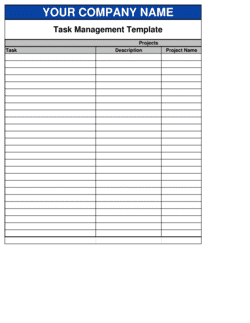
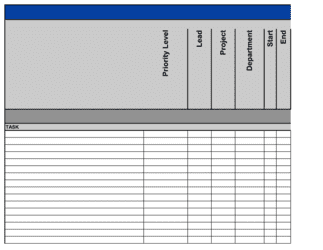
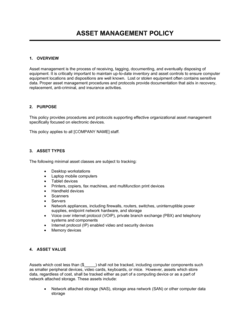
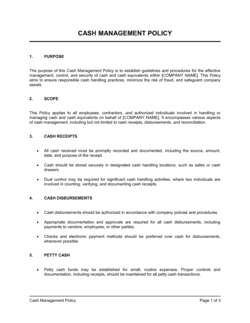
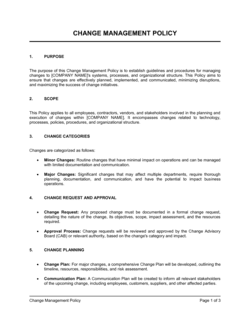
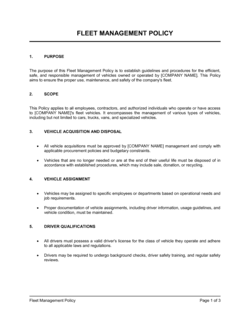
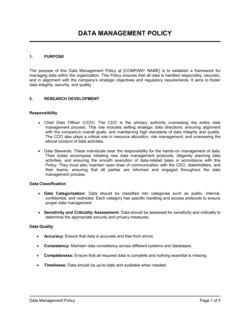
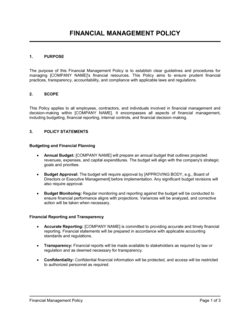
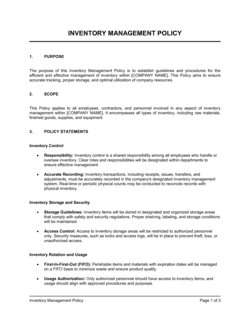
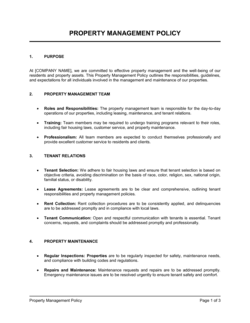
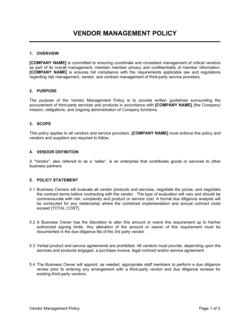
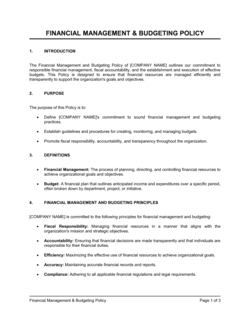
Each template is designed to help you move faster while giving your business more structure and consistency.
Browse All 3,000+ TemplatesPart of the Platform
Task Management Software Is Just One Part ofthe Operating System
Business in a Box connects task management software to everything else your business needs to run.
Tasks & Projects
Plan, assign, and track tasks with full project management.
Docs & Knowledge
Organize policies, procedures, and business documents in one place.
Chat & Calls
Communicate with your team without switching apps.
Dashboard
See all data, project progress, and team performance in one view.
HR & People
Manage employees, attendance, and payroll-ready timesheets.
Ratings & Reviews
Rated Highly by Businesses Worldwide
What Businesses Say
Trusted by 250,000+ Businesses Worldwide
“We replaced five tools with Business in a Box and our task completion rate went up by 40%. When tasks are connected to real projects and real deadlines, people actually finish them.”
Carlos Reyes — VP of Operations, Vantage Group
“The dependency feature alone is worth it. We manage complex multi-stage projects and finally have a tool that prevents people from starting work before it's ready.”
Emma Clarke — Senior Project Manager, Axis Digital
“Our managers stopped spending half their day chasing status updates. The dashboard shows everything — who's on track, what's overdue, and where we need to step in.”
Nathan Patel — COO, Redwood Services
Enterprise-Ready Security
Built for Trust, Security, and Compliance
Your data is protected by enterprise-grade infrastructure and compliance standards.


Questions
Frequently Asked Questions


Stop Losing Track of Work. Start Getting It Done.
Business in a Box gives your team a unified task management system that connects to every part of your business. Set up your business today.
14-day money-back guarantee · Set up in minutes · Cancel anytime