Real-Time Chat
Real-Time Chat Built Into the Business OS — Not Bolted On
Business in a Box includes real-time team messaging — organized by channel, connected to projects and tasks, and built into the same system where the work happens. No more context-switching between Slack and your project tool. No more losing decisions in chat.
The Problem
Chat Without Context Is Just Noise
Slack and Teams are powerful — until they become the place where context goes to die. Decisions get made in threads nobody can find. Issues are raised in chat and never converted into tasks. Files are shared in messages and lost within hours. Your team is always reachable but work is getting harder to track.
Business in a Box integrates real-time chat into the same system where tasks, projects, and documents live. Conversations are organized by team and project. Messages can be converted into tasks in one click. Decisions stay connected to the work they belong to.
How It Works
Real-Time Chat That Lives Inside the Work
Business in a Box brings team messaging into the same environment as your projects, tasks, and documents — so conversations have context, and context doesn't get lost.
Messaging
Organized Channel Messaging
Create channels for teams, projects, departments, or topics. Every conversation has a home — and the right people are in the right channels automatically.
Context
Chat Linked to Projects & Tasks
Every project and task has a built-in discussion thread. Conversations happen in context — not in a separate tool that loses the thread.
Action
Convert Messages to Tasks
Spot an action item in chat? Convert it to a task in one click — with the context of the conversation attached. Nothing falls through the cracks.
Notifications
Smart Notifications
Get notified about what matters — mentions, replies, task updates, and urgent flags. Customize notification settings by channel and by time of day.
Search
Unified Search Across Chat & Work
Search across messages, tasks, documents, and files from one search bar. Find the decision, the file, or the conversation — regardless of where it lives.
Access
Permissions-Controlled Channels
Private channels respect the same access control as the rest of the OS. Sensitive conversations stay private — no accidental oversharing.

A Day in the Life
From Morning Check-In to End-of-Day Wrap — Communication in Context
Business in a Box makes team communication fast, organized, and permanently connected to the work — from the first message of the day to the last.
Who Uses This
For Every Team That's Tired of Losing Work in Chat
Real-time chat in Business in a Box serves every team — and unlike standalone chat tools, it keeps the conversation connected to the work.
Engineering
Dev & Engineering Teams
Keep sprint discussions, bug reports, and technical decisions in the project channel where they belong — not buried in Slack.
Marketing
Marketing Teams
Run campaign discussions, creative feedback, and launch coordination in channels linked to the actual campaign project.
Client Services
Client & Account Teams
Keep client communication organized by project — with full history, file access, and task context always available.
Leadership
Managers & Leaders
Stay in the loop without being copied on everything. Channel access gives you visibility into what's happening without being in every conversation.
Connected to Your OS
Chat That Flows Into the Work — Not Around It
Business in a Box connects real-time chat to every other module — so conversations create actions, decisions create records, and nothing is lost.
Task Management
Messages can be converted into tasks in one click — with conversation context attached and assignee set immediately.
Project Management
Every project has a dedicated chat channel — conversations are scoped to the project from the start.
Document Storage
Files shared in chat are automatically organized into the linked project's document folder — never lost.
Issue Management
Issues raised in chat can be logged directly as tracked issues — with the original message attached as context.
Video & Meetings
Start a video call from any chat channel — no context-switching to a separate meeting tool.
Ready-to-Use Templates
Channel and Communication Templates Ready From Day One
Business in a Box includes pre-built channel structures, async standup templates, and meeting-to-action templates that make team communication structured from the start.
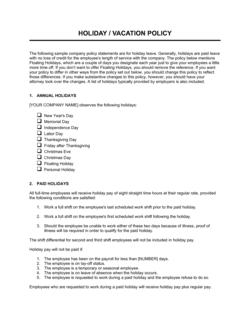
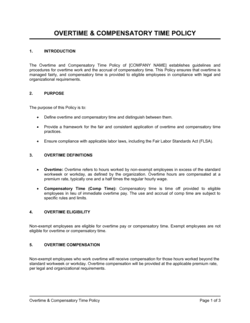
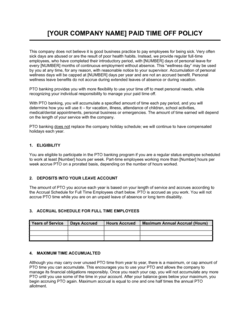
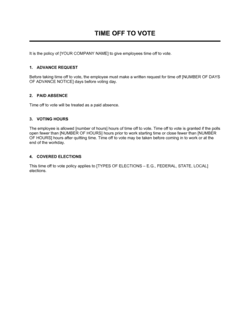
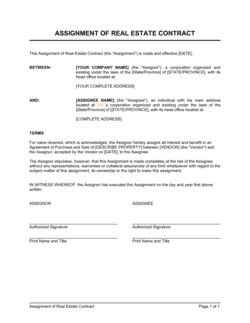
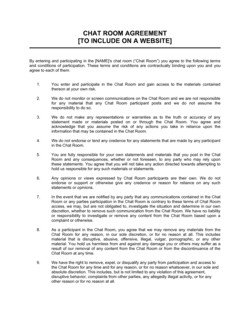
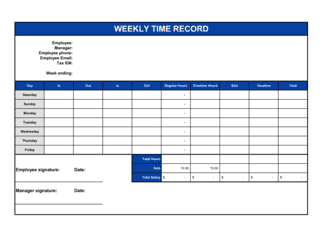
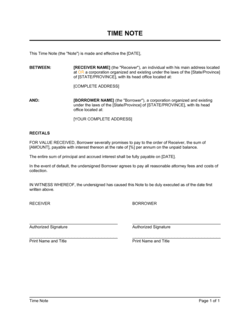
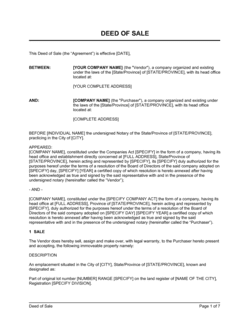
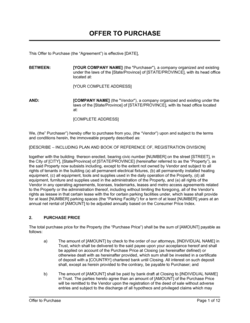
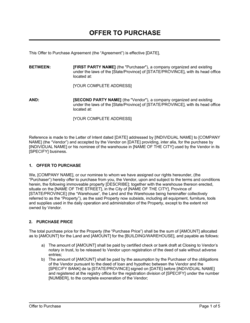
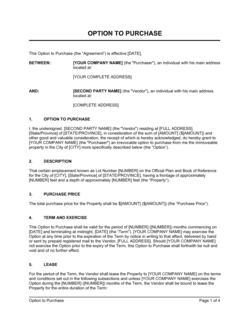
Each template is designed to help you move faster while giving your business more structure and consistency.
Browse All 3,000+ TemplatesPart of the Platform
Real-Time Chat Is Just One Part ofthe Operating System
Business in a Box connects real-time chat to everything else your business needs to run.
Tasks & Projects
Plan, assign, and track tasks with full project management.
Docs & Knowledge
Organize policies, procedures, and business documents in one place.
Chat & Calls
Communicate with your team without switching apps.
Dashboard
See all data, project progress, and team performance in one view.
HR & People
Manage employees, attendance, and payroll-ready timesheets.
Ratings & Reviews
Rated Highly by Businesses Worldwide
What Businesses Say
Trusted by 250,000+ Businesses Worldwide
“We ran on Slack for years. The problem was that Slack had nothing to do with where the work actually lived. Business in a Box put the conversation inside the work — and that changed everything.”
Noah P. — CTO, B2B SaaS Platform
“The 'convert to task' button is worth the switch alone. We used to lose so many action items in chat. Now every decision and action item is captured and tracked automatically.”
Claire W. — Head of Operations, 120-Person Agency
“Our client communication used to be split across email, Slack, and project comments. Now it's all in one channel per client project. Everyone has the full context all the time.”
Daniel R. — Account Director, Management Consultancy
Enterprise-Ready Security
Built for Trust, Security, and Compliance
Your data is protected by enterprise-grade infrastructure and compliance standards.


Questions
Frequently Asked Questions


Stop Losing Work in Chat. Start Connecting Conversations to Action.
Business in a Box brings real-time messaging into the same system as your projects, tasks, and documents — so every conversation has context and every action gets tracked.
14-day money-back guarantee · Set up in minutes · Cancel anytime