File Management
Business File Management That Actually Makes Sense
Your business generates hundreds of files every week. Business in a Box gives you a cloud-based file management system with structured folders, granular permissions, full version history, and instant search — so your team can find any file in seconds, not minutes.
The Problem
Shared Drives Are Not a File Management Strategy
Most businesses rely on a patchwork of shared drives, email attachments, and messaging apps to manage their files. The result is predictable: duplicate files, broken folder structures, no version control, and zero visibility into who has access to what.
When a new employee joins, nobody can explain where things are. When a client asks for a file, someone has to dig through three tools to find it. Business in a Box gives your business a proper file management foundation — structured, searchable, and secure.
Platform Features
A File System Built for How Businesses Actually Work
Business in a Box brings structured file management into your business OS — so files connect to the projects, clients, and workflows they belong to.
Structure
Hierarchical Folder System
Design a folder architecture that mirrors your business — by department, client, project, or function. Apply templates so every new project starts with the same clean structure.
Storage
Cloud-Native File Storage
All files are stored securely in the cloud with automatic backups. Access your business files from any device, anywhere — no VPNs or manual sync required.
Versioning
Automatic Version History
Every file edit creates a recoverable snapshot. See exactly what changed, when, and by whom — and restore any version in one click without losing other team members' work.
Access Control
Granular Permission Settings
Grant view, download, edit, or admin permissions at the file or folder level. Control access by individual user, team, or role — and update permissions instantly as your team changes.
Sharing
Secure External Sharing
Share files with clients or partners via secure, expiring links — no login required on their end. Track who opened the link and revoke access at any time.
Speed
Instant Full-Text Search
Search file names, tags, metadata, and document contents across your entire file library. Surface the right file in seconds, regardless of where it's stored in the hierarchy.

A Day in the Life
File Management Working Quietly in the Background
When file management works properly, your team stops thinking about it — and starts spending time on work that matters.
Use Cases
File Management for Every Business Function
From client deliverables to internal records, Business in a Box gives every team a structured home for their files.
Client Services
Client File Portals
Give each client a dedicated shared folder with files relevant to their engagement. Share securely, track access, and keep client communication clean.
Product & Engineering
Technical Asset Management
Store specs, architecture diagrams, and release documentation in versioned folders that developers can access alongside their project boards.
Finance
Financial Record Management
Organize invoices, receipts, reports, and tax documents by period and category. Keep sensitive financials locked behind role-based access.
Marketing
Brand Asset Libraries
Maintain a central library of logos, templates, photos, and campaign assets with download access for internal teams and controlled external sharing.
Business OS Connections
Files That Belong to Your Business, Not Just a Drive
Business in a Box connects your file library to every module in your operating system — so files are always one click away from the work they support.
Projects
Each project has its own file folder that lives directly on the project board. Deliverables, briefs, and assets stay organized alongside the tasks they belong to.
CRM & Clients
Client files attach directly to CRM records. Proposals, contracts, and correspondence are always accessible from the client profile — never buried in a shared drive.
Contracts
Executed agreements are filed automatically against the relevant contract record. No more detached attachments floating in email.
HR Records
Employee documents, offer letters, and performance reviews attach to individual HR profiles with restricted access and audit tracking.
Finance
Invoices, receipts, and financial statements connect to the transactions they support — making reconciliation and auditing dramatically simpler.
Ready-to-Use Templates
Start With a Structured File Library From Day One
Business in a Box includes thousands of professionally drafted file templates for every department — so you're never starting with an empty drive.
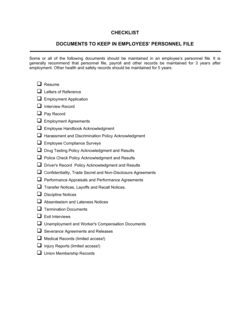
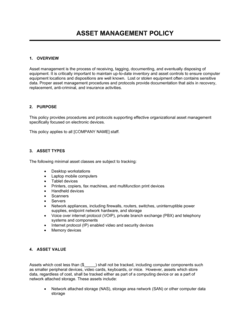
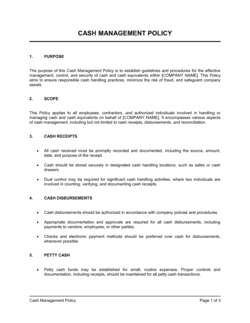
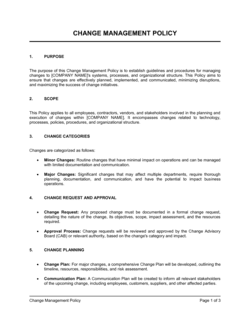
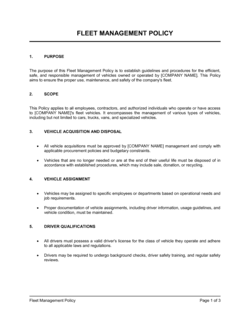
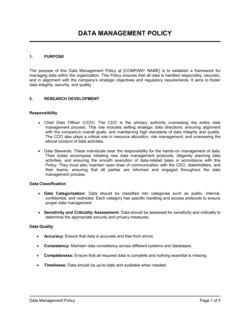
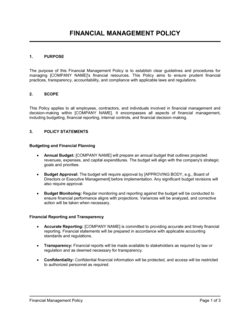
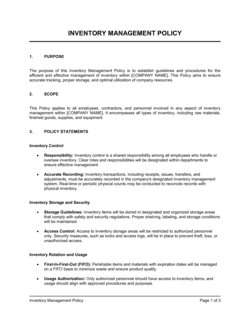
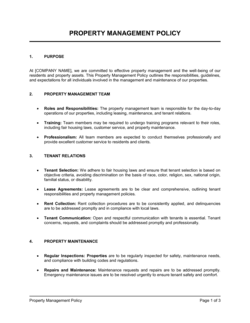
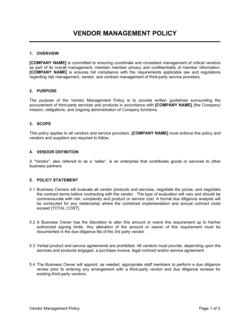
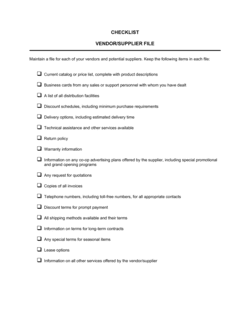

Each template is designed to help you move faster while giving your business more structure and consistency.
Browse All 3,000+ TemplatesPart of the Platform
File Management Software Is Just One Part ofthe Operating System
Business in a Box connects file management software to everything else your business needs to run.
Tasks & Projects
Plan, assign, and track tasks with full project management.
Docs & Knowledge
Organize policies, procedures, and business documents in one place.
Chat & Calls
Communicate with your team without switching apps.
Dashboard
See all data, project progress, and team performance in one view.
HR & People
Manage employees, attendance, and payroll-ready timesheets.
Ratings & Reviews
Rated Highly by Businesses Worldwide
What Businesses Say
Trusted by 250,000+ Businesses Worldwide
“We replaced Dropbox with Business in a Box and gained version control, proper permissions, and a file system that connects to our actual projects. It's not even a comparison.”
James Whitfield — Director of Operations, Stratum Digital
“Finding files used to require asking someone. Now our whole team can search and find anything in seconds. The time savings add up fast.”
Priya Nair — Project Manager, Elevate Consulting
“The external sharing feature alone has been a game-changer for our client relationships. Secure links, expiry dates, access tracking — clients love how professional it feels.”
Tom Baxter — Founder, Blueprint Creative Agency
Enterprise-Ready Security
Built for Trust, Security, and Compliance
Your data is protected by enterprise-grade infrastructure and compliance standards.


Questions
Frequently Asked Questions


Give Your Business Files a Proper Home
Stop managing files across five different tools. Business in a Box gives your team a structured, secure, and connected file system — starting today.
14-day money-back guarantee · Set up in minutes · Cancel anytime