Employee Dashboard
Every Employee Starts the Day Knowing Exactly What to Do
A personalized command center for every person on your team. My tasks, my schedule, recent activity, team updates, and key metrics — one view, one login, no confusion about what matters today.
The Problem
Your Team Is Busy. But Are They Working on the Right Things?
When work is scattered across task boards, email, chat, calendar, and documents, employees start every day with the same question: where do I even begin? High performers build their own systems for tracking what matters. Everyone else either asks their manager or, worse, works on whatever feels urgent rather than whatever is actually important.
Without a single daily view, context switching becomes the default mode of work. Employees toggle between seven different tools just to understand their day — burning 20 minutes of morning mental energy before doing a single productive thing. A personalized dashboard eliminates this entirely and gives every team member an instant answer to 'what should I work on right now?'
How It Works
A Personalized Work Hub for Every Person on Your Team
The employee dashboard in Business in a Box pulls together every relevant piece of information — tasks, calendar, messages, activity, and metrics — into one personalized view.
My Tasks
Today's Priorities, Front and Center
Every task assigned to the employee — sorted by due date, priority, and project — is visible the moment they log in. No hunting across boards. No missed deadlines from task overload.
My Schedule
Calendar and Meetings in the Same View
The day's meetings, scheduled tasks, and time blocks appear alongside the task list. Employees plan their day without opening a separate calendar application.
Recent Activity
See What Happened While You Were Away
A live activity feed shows updates on assigned tasks, mentions in project threads, and changes to shared documents — so employees are always caught up without asking.
Team Updates
Company and Team Announcements in One Place
Company-wide updates, team announcements, and manager posts appear on the dashboard. Everyone stays informed without an all-hands meeting or a separate intranet.
My Metrics
Personal Performance and Progress Tracking
Employees see their own task completion rate, hours logged, and sprint velocity. Self-awareness drives accountability without requiring constant manager check-ins.
Quick Actions
Create Tasks, Log Time, and Message From One Place
Common actions — create a task, start a timer, send a message, open a file — are available directly from the dashboard. Employees stay in one view longer and switch tools less.

A Day in the Life
How the Employee Dashboard Shapes the Workday
From the first login to the final update, the employee dashboard keeps every team member focused, informed, and productive — without manager intervention.
Use Cases
Who Benefits From the Employee Dashboard
From individual contributors to team leads, a personalized dashboard makes every type of employee more focused and less reliant on managers for direction.
Individual Contributors
Always Know What to Work on Next
Prioritized task lists, calendar integration, and activity feeds give individuals a clear, updated answer to 'what's most important right now?' without asking their manager.
Remote Employees
Stay Connected to the Team Without Being in the Office
Remote employees see team updates, activity feeds, and colleague task progress in real time — maintaining the social and operational context of a shared workspace.
Team Leads
Monitor Team Progress Without Micromanaging
Team leads see their own work alongside rolled-up status on team tasks. Quick-scan dashboards replace weekly check-ins for status updates that the system already has.
New Hires
Onboard Faster With a Clear Daily View From Day One
New employees start with a dashboard that shows exactly what's assigned to them, what onboarding tasks remain, and what the team is working on — no confusion, no hand-holding required.
Connected OS
The Dashboard Is Your Window Into the Entire OS
The employee dashboard draws data from every part of Business in a Box — making it the single starting point for every employee's day.
Task Management
All tasks assigned to the employee surface on their dashboard — sorted, prioritized, and filtered by project or due date.
Calendar & Scheduling
Meetings, time blocks, and deadlines from the calendar appear directly in the daily schedule view.
Internal Messaging
Unread messages, mentions, and thread updates surface in the activity feed so employees never miss a critical communication.
Time Tracking
Employees start and stop timers from the dashboard. Logged hours update the metrics panel in real time.
Reporting
Personal performance metrics — task completion rate, hours logged, sprint progress — feed from the reporting engine into the dashboard view.
Ready-to-Use Templates
Templates to Structure Employee Workflows From Day One
Pre-built task lists, onboarding plans, and daily operating rhythms that populate the employee dashboard immediately.

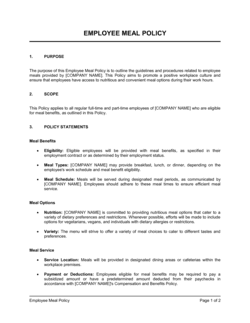
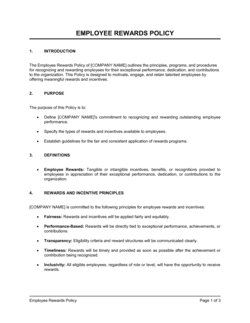
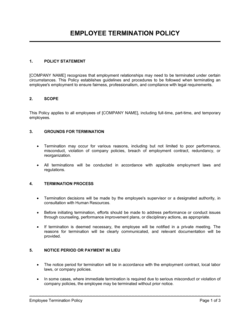
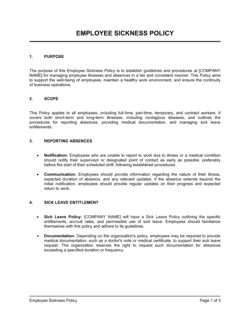
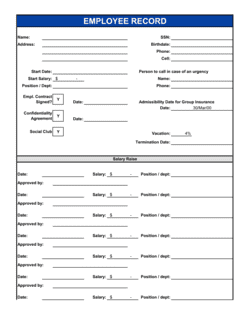
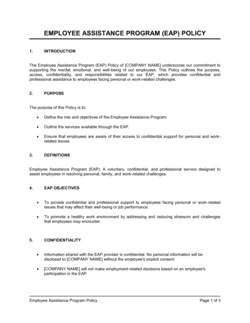
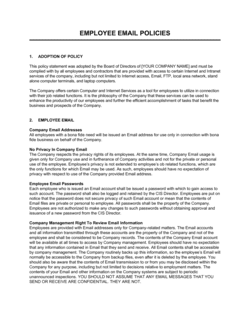
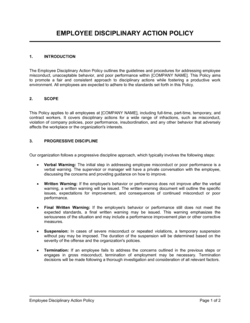
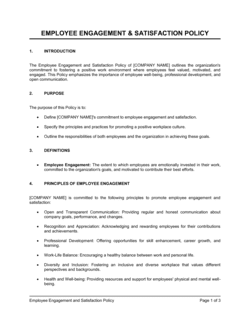
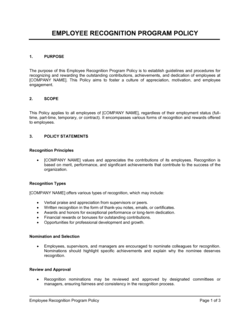
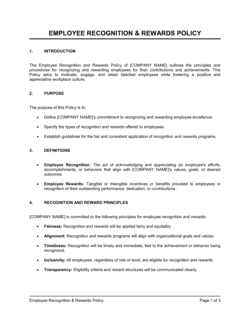
Each template is designed to help you move faster while giving your business more structure and consistency.
Browse All 3,000+ TemplatesPart of the Platform
Employee Dashboard Is Just One Part ofthe Operating System
Business in a Box connects employee dashboard to everything else your business needs to run.
Tasks & Projects
Plan, assign, and track tasks with full project management.
Docs & Knowledge
Organize policies, procedures, and business documents in one place.
Chat & Calls
Communicate with your team without switching apps.
Dashboard
See all data, project progress, and team performance in one view.
HR & People
Manage employees, attendance, and payroll-ready timesheets.
Ratings & Reviews
Rated Highly by Businesses Worldwide
What Businesses Say
Trusted by 250,000+ Businesses Worldwide
“The dashboard was the single biggest productivity change for our team. People stopped starting the day by asking 'what should I work on?' and started just working. Our output went up in the first week.”
Leah Thornton — VP of Operations, Cascade Partners
“Our remote employees felt disconnected before. The activity feed and team updates panel gave them back the sense of being part of something. Engagement scores went up 18 points in our next survey.”
Robert Adeyemi — Chief People Officer, Vertex Global
“I manage a team of 22. My 1:1s used to be 30 minutes of status updates. Now they're 10 minutes of real conversation because everyone — including me — already knows what's happening from their dashboard.”
Nina Castillo — Director of Project Delivery, Stonebridge Agency
Enterprise-Ready Security
Built for Trust, Security, and Compliance
Your data is protected by enterprise-grade infrastructure and compliance standards.


Questions
Frequently Asked Questions


Give Every Employee a Clear Answer to 'What Should I Do Today?'
A personalized dashboard that brings together tasks, schedule, team updates, and metrics — so every team member starts focused and stays that way.
14-day money-back guarantee · Set up in minutes · Cancel anytime