Document Collaboration
Real-Time Document Collaboration for Business Teams
Business in a Box brings document collaboration into your business operating system — so your team can co-edit, comment, review, and approve documents without switching to Google Docs, Notion, or any other external tool.
The Problem
Document Collaboration Shouldn't Live Outside Your Business
When your team creates and collaborates on documents in Google Docs, Notion, or Word, those documents are disconnected from the tasks, projects, and people they belong to. Context gets lost. Approvals happen in email. Versions multiply. And managers have no clear view of what's been finalized and what's still in progress.
Document collaboration built into your business operating system changes this. Every document connects to the project it belongs to, the task it supports, and the people responsible for it — creating a seamless, visible workflow from first draft to final approval.
Collaboration Features
Every Collaboration Feature Your Team Needs, Inside Your Business OS
Business in a Box gives your team a complete document collaboration suite — co-editing, comments, suggestions, approval workflows, and version control — all without leaving the platform.
Co-Editing
Real-Time Multi-User Editing
Multiple team members can edit the same document simultaneously with live cursor tracking and instant sync — no version conflicts.
Comments
Inline Comments & Threaded Replies
Leave comments on any part of a document. Replies thread inline, keeping feedback organized and attached to the exact text it refers to.
Approvals
Document Approval Workflows
Route documents through structured review and approval workflows — with notifications, status tracking, and a complete approval record.
Version Control
Automatic Version History
Every save creates a version. See the full edit history, who made each change, and restore any previous version in one click.
Suggestions
Track Changes & Suggestions Mode
Collaborators can suggest edits rather than making direct changes — authors accept or reject suggestions with a single click.
AI Assistance
AI Writing & Editing Help
AI can draft sections, rewrite for clarity, summarize content, and suggest improvements — right inside the document editor.

Collaboration in Action
From First Draft to Final Approval Without Leaving Your Business OS
Document collaboration in Business in a Box connects every step — from creation to review to approval — inside the same system your team uses for everything else.
Who Uses It
Document Collaboration for Every Business Team
From legal and HR to marketing and client services, Business in a Box document collaboration serves every team that creates, reviews, and approves documents together.
Legal & Contracts
Collaborate on Contracts Without Email Chains
Co-edit contracts with legal counsel, track every change, and collect approvals — all within a structured, auditable workflow.
HR Teams
Review and Approve HR Documents Together
Collaborate on policies, offer letters, and employee handbooks with structured reviews and approval chains built in.
Marketing
Streamline Content Review Workflows
Move content from draft to approved faster with inline feedback, suggestions mode, and an approval workflow that routes automatically.
Client Services
Build Client Documents Collaboratively
Co-create proposals, reports, and presentations with clients or teammates — with version tracking and a clear approval record.
Collaboration Connected
Document Collaboration That Connects to Your Whole Business
In Business in a Box, document collaboration is woven into the fabric of your work — every document connects to a task, a project, a team member, and a workflow.
Documents Connect to Tasks
When a document is approved, the linked task can update automatically — closing the loop between collaboration and execution.
Documents Live Inside Projects
All collaborative documents for a project are organized in the project workspace — no hunting in external drives.
Approvals Connect to eSign
After a document is approved in the collaboration workflow, it can go directly to eSignature without leaving the platform.
AI Assists Throughout
The AI helps at every stage — drafting, rewriting, summarizing, and suggesting improvements — using the context of the project and document type.
Approval Records Feed Compliance
Every approval, comment, and version change is stored in an audit-ready record — supporting compliance and governance requirements.
Collaboration-Ready Templates
Templates Designed for Team Review and Approval
Business in a Box includes structured templates for documents that require collaboration — policies, contracts, proposals, and reports — with review workflows built in.
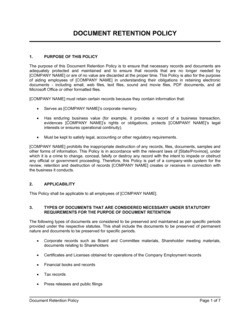
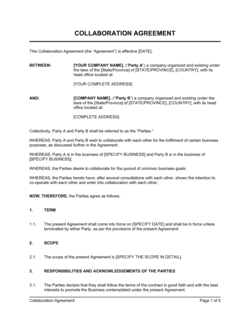
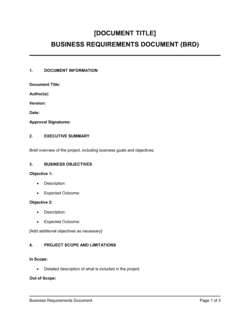
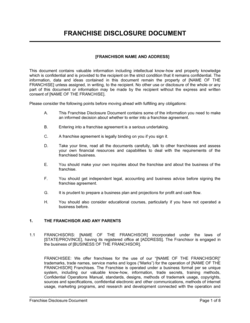
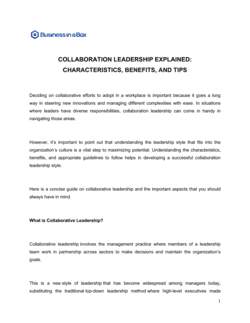
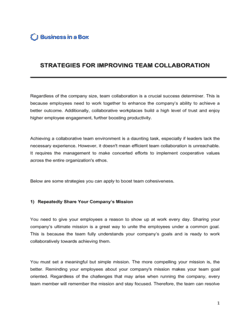
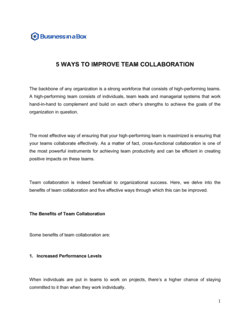
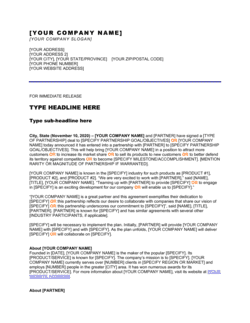
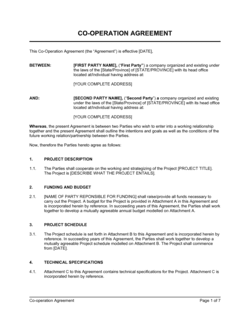
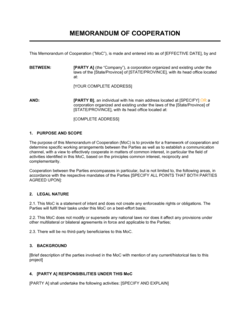
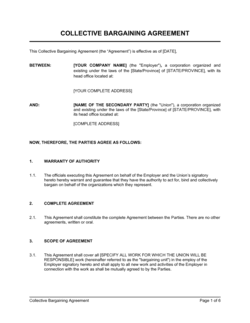
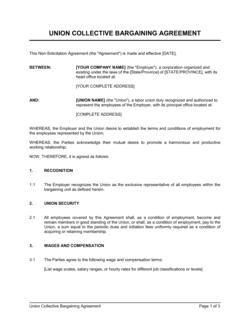
Each template is designed to help you move faster while giving your business more structure and consistency.
Browse All 3,000+ TemplatesPart of the Platform
Document Collaboration Is Just One Part ofthe Operating System
Business in a Box connects document collaboration to everything else your business needs to run.
Tasks & Projects
Plan, assign, and track tasks with full project management.
Docs & Knowledge
Organize policies, procedures, and business documents in one place.
Chat & Calls
Communicate with your team without switching apps.
Dashboard
See all data, project progress, and team performance in one view.
HR & People
Manage employees, attendance, and payroll-ready timesheets.
Ratings & Reviews
Rated Highly by Businesses Worldwide
What Businesses Say
Trusted by 250,000+ Businesses Worldwide
“We used to review contracts through email threads with tracked changes flying in every direction. Now everything happens in one document with a structured approval chain. It's a completely different experience.”
Francesca D. — Legal Operations Manager, Technology Company
“The inline commenting and suggestions mode have eliminated back-and-forth email entirely for our content team. Everyone sees the same document, the same feedback, the same status — in real time.”
Tyler H. — Content Director, Media Agency
“Being able to collaborate on documents inside the same platform where we manage projects is the detail that makes it all click. Nothing gets disconnected.”
Mei L. — VP of Operations, Consulting Company
Enterprise-Ready Security
Built for Trust, Security, and Compliance
Your data is protected by enterprise-grade infrastructure and compliance standards.


Questions
Frequently Asked Questions


Bring Document Collaboration Inside Your Business — Where It Belongs
Stop managing document feedback in email threads and version files in Dropbox. Get real-time collaboration, structured approvals, and version control inside the platform you already use.
14-day money-back guarantee · Set up in minutes · Cancel anytime