Deadline Management
Every Deadline. One View. Zero Surprises.
Business in a Box gives you a live, consolidated view of every deadline across tasks, projects, and goals — with early warnings before things go overdue, not after. Stop finding out about missed deadlines in a client call.
The Problem
Missed Deadlines Don't Happen Because People Are Lazy — They Happen Because No One Had the Full Picture
When deadlines live in a project tool, a calendar app, an email thread, and someone's head — nothing is visible until it's already late. Teams work hard but in the dark. Managers find out about slips when it's too late to course-correct. Clients get surprised. Deals get delayed.
Business in a Box gives every deadline a home — connected to the task, the project, and the person responsible. You see what's coming, what's at risk, and what's overdue — all in one place, all the time.
How It Works
A Deadline System Built Into the Work — Not Bolted On
Every task and project in Business in a Box has a deadline built in. Those deadlines feed a single, intelligent overview that tells you exactly where things stand.
Visibility
Unified Deadline Dashboard
See every upcoming, at-risk, and overdue deadline across all projects and tasks in one view — filterable by team, project, or person.
Early Warning
At-Risk Deadline Alerts
Business in a Box flags deadlines before they're missed — when a task hasn't started and the due date is approaching, you get an alert while there's still time to act.
Notifications
Configurable Deadline Reminders
Set reminders at 1 week, 3 days, 24 hours, or any custom interval before a deadline. Reminders go to the assignee, the manager, or both.
Reporting
Deadline Performance Tracking
Track how often your team hits, slips, or reschedules deadlines. Use the data to improve estimates and catch patterns before they become culture problems.
Dependencies
Dependent Deadline Management
When one task slips, Business in a Box updates downstream deadlines automatically — so the cascade is visible before it causes damage.
Overdue Tracking
Overdue Work Summary
Start every day with a clear view of what's already late — who owns it, how overdue it is, and what project it's blocking.

A Day in the Life
From First Login to End of Day — Deadlines in Control
Business in a Box makes deadline awareness a constant, passive background process — not a stressful weekly scramble.
Who Uses This
For Everyone Who's Ever Said 'I Didn't Know That Was Due Today'
Deadline management in Business in a Box serves every role that creates, owns, or depends on work getting done on time.
Leadership
Executives & Managers
Get a real-time view of deadline health across the business — see what's at risk before it becomes a crisis.
Project Management
Project Managers
Track every milestone and task deadline in one place. Get early warnings and manage cascading deadline impacts without spreadsheets.
Individual Contributors
Team Members
Know exactly what's due and when — and get reminded before it's too late, not after. Focus on the work, not on remembering the dates.
Client Services
Account & Client Teams
Never surprise a client with a missed deadline again. Spot slippage early, communicate proactively, and keep delivery on track.
Connected to Your OS
Deadlines That Flow Through the Entire Business OS
Deadline management in Business in a Box isn't a separate module — it's woven into every task, project, and goal across the platform.
Task Management
Every task has a deadline built in — and they all feed the unified deadline view automatically.
Project Management
Project milestones and phase deadlines are tracked in real time, with cascade impact visible across the project.
Calendar
Deadlines appear on the shared team calendar automatically — no manual entry required.
Goals & OKRs
Goal check-in dates and OKR review deadlines are tracked in the same system as project and task deadlines.
Notifications
Deadline alerts and reminders flow through the notification system — configurable per user and per role.
Ready-to-Use Templates
Deadline Management Templates Built for Real Projects
Business in a Box includes deadline-ready project templates — set your dates and the deadlines flow through automatically.
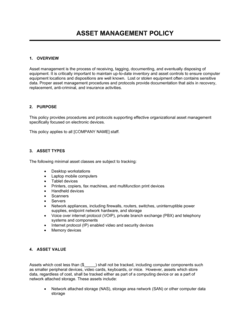
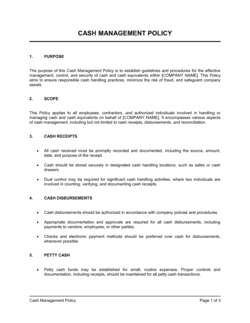
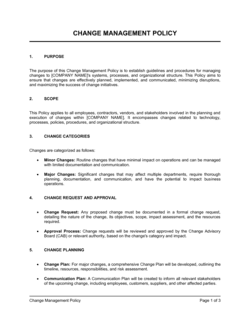
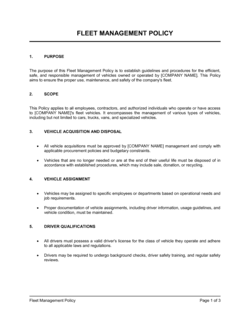
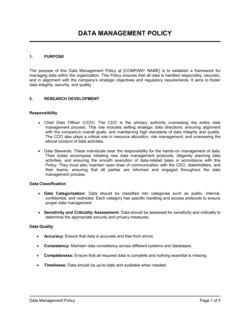
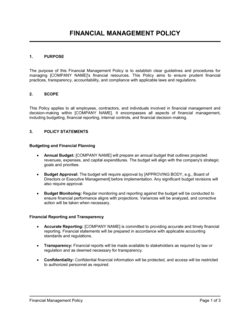
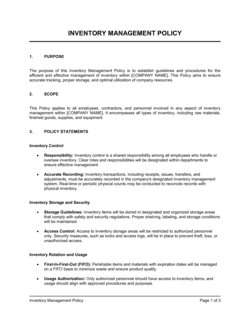
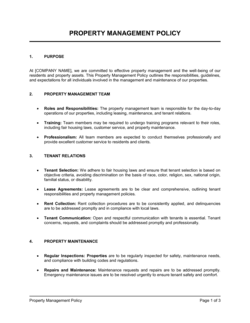
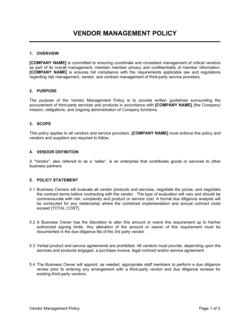
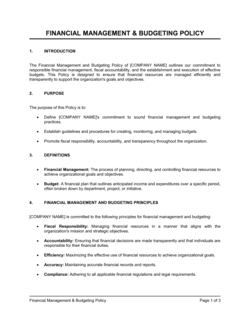
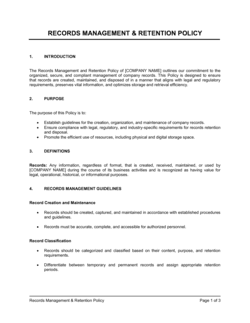
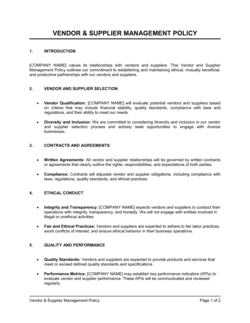
Each template is designed to help you move faster while giving your business more structure and consistency.
Browse All 3,000+ TemplatesPart of the Platform
Deadline Management Is Just One Part ofthe Operating System
Business in a Box connects deadline management to everything else your business needs to run.
Tasks & Projects
Plan, assign, and track tasks with full project management.
Docs & Knowledge
Organize policies, procedures, and business documents in one place.
Chat & Calls
Communicate with your team without switching apps.
Dashboard
See all data, project progress, and team performance in one view.
HR & People
Manage employees, attendance, and payroll-ready timesheets.
Ratings & Reviews
Rated Highly by Businesses Worldwide
What Businesses Say
Trusted by 250,000+ Businesses Worldwide
“We used to find out about missed deadlines in client calls. Now we see them coming three days out and can deal with them before they ever get to the client.”
Tom A. — Delivery Manager, Digital Agency
“The cascade feature is what sold it for me. When one task slips, I immediately see which other deadlines are impacted. That's visibility I've never had before.”
Rachel H. — Senior Project Manager, Software Company
“The deadline dashboard alone replaced a 30-minute Monday morning meeting we used to have just to find out who was behind on what.”
Carlos V. — COO, Professional Services Firm
Enterprise-Ready Security
Built for Trust, Security, and Compliance
Your data is protected by enterprise-grade infrastructure and compliance standards.


Questions
Frequently Asked Questions


Stop Finding Out About Missed Deadlines After the Fact
Business in a Box gives you one live view of every deadline across your business — with early warnings, cascade tracking, and overdue visibility built in.
14-day money-back guarantee · Set up in minutes · Cancel anytime