Calendar Management
One Calendar. Every Deadline, Meeting, and Milestone — In View.
Business in a Box brings your team's tasks, project deadlines, meetings, and company events onto a single shared calendar. No more switching between Google Calendar, your project tool, and your HR system to figure out what's happening this week.
The Problem
Your Schedule Lives in Too Many Places
Tasks are in your project tool. Meetings are in Google Calendar. Deadlines are in a spreadsheet. PTO is in your HR system. And nobody has a complete view of what's actually happening — which is how things get double-booked, deadlines get missed, and team capacity gets misjudged.
Business in a Box unifies all of it. Tasks with due dates appear on the calendar. Project milestones show up automatically. Meetings are scheduled in context. And you can see the whole team's availability in one place.
How It Works
A Calendar That's Connected to the Work — Not Just the Meetings
Every task due date, project milestone, and team event flows into a single calendar view — automatically, with no manual entry required.
Unified View
Shared Team Calendar
See every team member's tasks, deadlines, and meetings in one place. Filter by person, project, or department to get exactly the view you need.
Connected to Work
Auto-Synced Tasks & Deadlines
Every task with a due date automatically appears on the calendar. No manual entry — the work and the schedule stay in sync by default.
Project Planning
Milestones & Project Timelines
Project milestones and phase deadlines show up on the calendar the moment they're set — giving everyone a live view of what's coming.
Scheduling
Team Availability & Capacity
See who's free, who's overloaded, and who's on leave — before you schedule a meeting or assign new work.
Meetings
Meeting Scheduling Built In
Create and schedule meetings directly in the calendar, link them to projects or tasks, and invite teammates — all in one flow.
Reminders
Smart Deadline Reminders
Get notified before deadlines hit — not just when they pass. Configurable reminders keep the team ahead of the schedule, not chasing it.

A Day in the Life
From Monday Morning to Friday Close — Always in Sync
Business in a Box keeps the whole team's schedule visible and connected to the work — from the first standup to the last deadline of the week.
Who Uses This
For Every Role That Needs to Know What's Happening When
Calendar management in Business in a Box isn't just for executives. Everyone benefits from a clear, connected view of the team's time.
Leadership
Executives & Managers
Get a bird's-eye view of everything happening across projects, teams, and deadlines — without having to ask for a status update.
Project Management
Project Managers
Keep project timelines, milestones, and team capacity visible in one view — and catch conflicts before they become problems.
People Ops
HR & People Teams
Manage PTO, company events, and onboarding schedules in the same calendar the whole team uses.
Individual Contributors
Team Members
See your own tasks, meetings, and deadlines in one place — and never be surprised by a deadline you didn't see coming.
Connected to Your OS
The Calendar That Lives Inside the Work, Not Beside It
Business in a Box's calendar isn't a standalone app — it's woven into every module so the schedule always reflects reality.
Task Management
Every task due date appears on the calendar automatically — no double-entry, always in sync.
Project Management
Project milestones and phase deadlines flow into the calendar the moment they're created.
HR & People
PTO, leave, and company events are reflected in team availability on the calendar.
Meetings & Video
Schedule and join meetings directly from the calendar — linked to the projects they belong to.
Reporting & Goals
Goal deadlines and OKR checkpoints appear on the calendar so nothing falls through the cracks.
Ready-to-Use Templates
Hit the Ground Running With Calendar Templates
Business in a Box includes calendar frameworks for sprints, quarters, hiring cycles, and more — so you can set up your team's schedule in minutes.
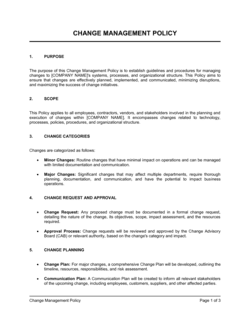
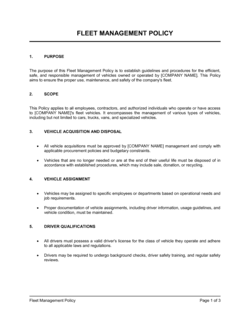
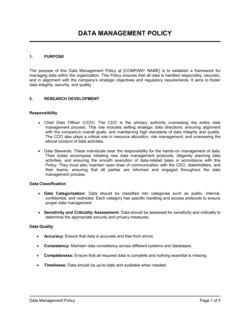
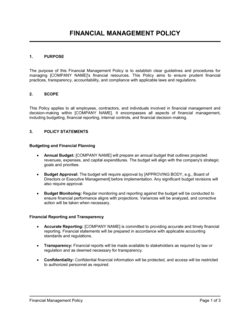
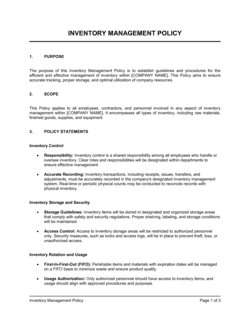
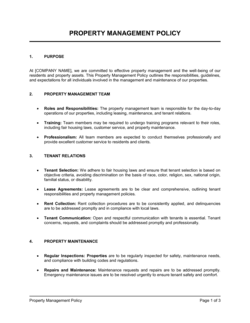
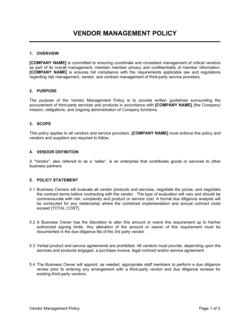
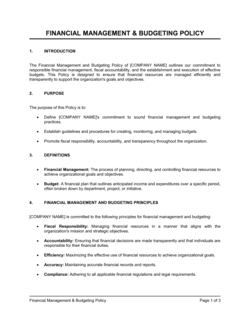
Each template is designed to help you move faster while giving your business more structure and consistency.
Browse All 3,000+ TemplatesPart of the Platform
Calendar Management Is Just One Part ofthe Operating System
Business in a Box connects calendar management to everything else your business needs to run.
Tasks & Projects
Plan, assign, and track tasks with full project management.
Docs & Knowledge
Organize policies, procedures, and business documents in one place.
Chat & Calls
Communicate with your team without switching apps.
Dashboard
See all data, project progress, and team performance in one view.
HR & People
Manage employees, attendance, and payroll-ready timesheets.
Ratings & Reviews
Rated Highly by Businesses Worldwide
What Businesses Say
Trusted by 250,000+ Businesses Worldwide
“We used to have five different places to look to understand what was happening this week. Now it's one calendar and everything is there — tasks, meetings, deadlines, even PTO.”
Sarah K. — Operations Manager, 80-Person Agency
“Project managers love it. The moment a milestone is set in the project, it's on the calendar. No syncing, no manual entry, no surprises.”
David L. — Director of Engineering, SaaS Startup
“We stopped double-booking our team overnight. Business in a Box shows availability before you schedule anything — it sounds simple but it changed everything.”
Angela M. — Chief of Staff, Professional Services Firm
Enterprise-Ready Security
Built for Trust, Security, and Compliance
Your data is protected by enterprise-grade infrastructure and compliance standards.


Questions
Frequently Asked Questions


See Everything. Miss Nothing.
Business in a Box gives your team one calendar that's connected to every task, project, and person — so the schedule always reflects what's actually happening.
14-day money-back guarantee · Set up in minutes · Cancel anytime