Business Knowledge Management
Business Knowledge Base Software That Puts Your SOPs, Policies, and FAQs in One Searchable Place
Business in a Box gives you a structured knowledge base for your entire business — onboarding documentation, SOPs, policies, and FAQs — organized, searchable, and connected to the work your team does every day.
The Problem
Your Business Knowledge Is Scattered, Stale, and Impossible to Find
Most businesses have knowledge — but it's not organized. SOPs live in a Google Drive folder nobody sorts through. Onboarding docs get emailed to new hires as an attachment. FAQs are answered verbally every time a new person asks. Policies are in a PDF that was last updated eighteen months ago. The knowledge exists, but the overhead of finding, maintaining, and trusting it is enormous.
Business in a Box gives you a structured knowledge base that organizes, connects, and maintains your business knowledge automatically. SOPs link to the tasks that use them. Onboarding docs connect to HR flows. FAQs are searchable by keyword. And every article has an owner and a review schedule so content stays accurate without a dedicated knowledge manager.
Structured Knowledge Base
One Knowledge Base for Your Entire Business — Always Structured, Always Searchable
Business in a Box gives you a knowledge base that's organized by category, linked to work, maintained by owners, and searchable by anyone in your company — replacing scattered docs with a living, trusted resource.
Structured Organization
Organize Knowledge by Category, Department, or Process
Build a hierarchical knowledge base with sections for HR, operations, finance, IT, and more. Every article has a clear home — and anyone can navigate to it without a search.
Smart Search
Find Any Answer in Seconds
Full-text search across every article, SOP, policy, and FAQ in your knowledge base. Type a keyword and get to the right answer — no folder browsing required.
Article Ownership
Every Article Has an Owner and a Review Schedule
Assign ownership and review frequency to every knowledge article. Owners are notified when reviews are due — so your knowledge base stays accurate without manual oversight.
Process Integration
Link Articles to the Tasks and Processes They Describe
Connect SOPs and how-to articles to the tasks and workflows they document. Team members see the relevant knowledge exactly when and where they need it.
Onboarding Integration
Onboarding Docs Connected to HR Flows
Build onboarding documentation in the knowledge base and link it directly to HR onboarding checklists. New hires access exactly what they need, in the right order, from day one.
Usage Analytics
See Which Articles Get Used and Which Get Ignored
Track article views, search queries with no results, and least-read content. Use the data to improve your knowledge base — filling gaps and retiring irrelevant articles.

A Day With Business in a Box
What a Business Knowledge Base Looks Like When It's Actually Working
From a new hire's first day to a manager's quarterly audit, here's how Business in a Box makes your business knowledge a productive asset instead of a maintenance burden.
Who It's For
Knowledge Base Software for Every Business Function
Whether you're running HR, operations, IT, or client services, Business in a Box gives every function a structured knowledge base that replaces scattered docs and verbal hand-offs.
HR Teams
The Employee Handbook That Actually Gets Used
HR teams build and maintain a structured knowledge base for policies, benefits, procedures, and onboarding — searchable by employees, always current.
Operations Teams
SOPs That Are Linked to the Work They Govern
Operations teams document standard procedures in a knowledge base linked directly to the tasks and workflows they describe — so procedures are followed, not filed.
IT Teams
Self-Serve IT Knowledge That Reduces Support Tickets
IT teams build a searchable knowledge base of setup guides, troubleshooting articles, and FAQs — so employees solve common issues without raising a ticket.
Client Services Teams
Consistent Client Processes Across the Whole Team
Client service teams document onboarding flows, communication standards, and escalation procedures in a shared knowledge base — so every client gets a consistent experience.
Connected to Your OS
Your Knowledge Base Is Part of Your Business OS
The Business in a Box knowledge base connects to HR, tasks, workflows, and onboarding — so knowledge is embedded in how your business operates, not stored separately.
HR Module
Policies, handbooks, and onboarding docs in the knowledge base link directly to HR records, roles, and onboarding checklists — surfaced at the right moment automatically.
Tasks
Link SOPs and how-to articles to tasks. Team members doing recurring work see the relevant procedure right inside the task — no searching required.
Notes
Convert meeting notes, project decisions, and team documentation into permanent knowledge base articles in one click.
Wiki
The knowledge base and company wiki share the same platform and search index — so whether knowledge is in a wiki article or a knowledge base entry, it's always findable.
Dashboards
Track knowledge base health — article count, review status, search success rates, and usage trends — on your reporting dashboard.
Ready-to-Use Templates
Knowledge Base Templates Built for Real Business Needs
Business in a Box includes templates for SOPs, policies, onboarding guides, IT runbooks, FAQs, and more — so you're building on proven structure from day one.
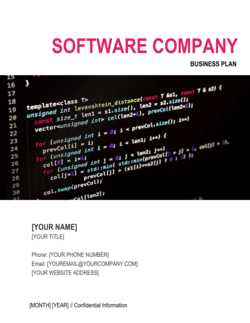
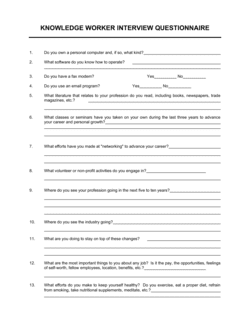
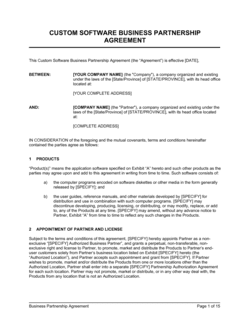

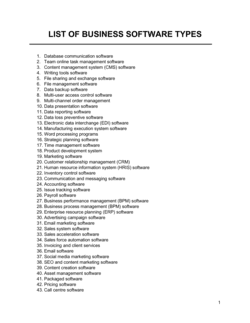
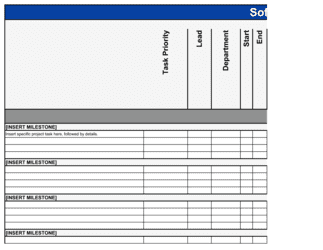
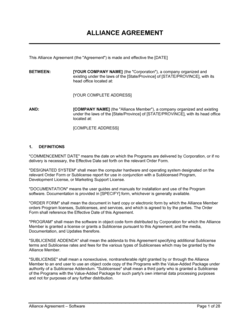
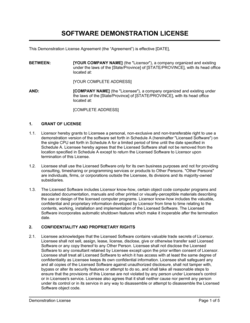
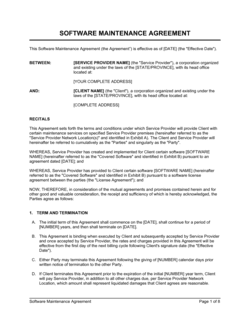
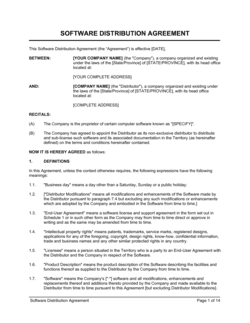
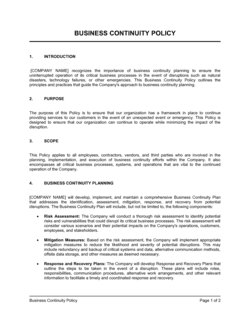
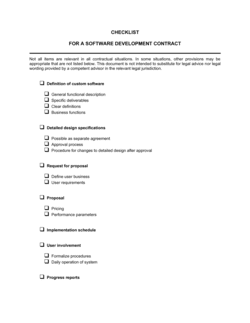
Each template is designed to help you move faster while giving your business more structure and consistency.
Browse All 3,000+ TemplatesPart of the Platform
Business Knowledge Base Software Is Just One Part ofthe Operating System
Business in a Box connects business knowledge base software to everything else your business needs to run.
Tasks & Projects
Plan, assign, and track tasks with full project management.
Docs & Knowledge
Organize policies, procedures, and business documents in one place.
Chat & Calls
Communicate with your team without switching apps.
Dashboard
See all data, project progress, and team performance in one view.
HR & People
Manage employees, attendance, and payroll-ready timesheets.
Ratings & Reviews
Rated Highly by Businesses Worldwide
What Businesses Say
Trusted by 250,000+ Businesses Worldwide
“We had SOPs everywhere and nowhere. Business in a Box gave us one home for all of it — searchable, linked to our tasks, and actually maintained because the system reminds article owners when reviews are due.”
Adrian Brooks — Director of Operations, Brooks & Co.
“Our IT support tickets dropped by 35% after we built a self-serve knowledge base in Business in a Box. Employees find answers themselves instead of opening tickets for every basic question.”
Yuki Tanaka — Head of IT, Tanaka Group
“New hires used to take six weeks to be fully productive. With a structured onboarding knowledge base linked to their HR checklist, that's down to under three weeks. It's a measurable difference.”
Olivia Blackwood — HR Director, Blackwood Services
Enterprise-Ready Security
Built for Trust, Security, and Compliance
Your data is protected by enterprise-grade infrastructure and compliance standards.


Questions
Frequently Asked Questions


Turn Your Scattered Business Knowledge Into a Living, Searchable Asset
Business in a Box gives you a structured knowledge base for SOPs, policies, onboarding docs, and FAQs — connected to your work, maintained by owners, and searchable by everyone.
14-day money-back guarantee · Set up in minutes · Cancel anytime