Bookmark Manager
Save, Organize, and Share Links Across Your Team.
Business in a Box gives you a bookmark manager built into the same platform where your team manages tasks, projects, and documents — so important links live where work happens, resources are always findable, and new hires never have to ask "where is that link?" again.
14-day money-back guarantee · Replaces Browser Bookmarks, Raindrop & Pocket
The Problem
Important Links Get Lost — And Your Team Wastes Hours Re-Finding Them
Important links are scattered across browser bookmarks, Slack messages, emails, and personal notes. There is no shared team resource library, no way to search across everyone's saved links, and no structure for organizing the resources your business depends on.
When someone new joins the team, onboarding means re-finding every critical link from scratch. When someone leaves, their bookmarks leave with them. You end up with knowledge trapped in individual browsers and resources nobody can find when they need them.
What Bookmark Manager Can Do
Every Link Management Need. One Connected Platform.
Business in a Box embeds bookmark management directly into your operating system — not as a bolt-on, but as a core part of how your team saves, shares, and finds resources.
Save & Organize Links
Save Any Link in One Click and Keep It Forever
Save links from anywhere with a single click. Every bookmark is stored in your Business Box, organized by project, team, or topic — and accessible from any device, anytime. No more relying on browser sync.
Folders & Tags
Organize Links with Folders, Tags, and Custom Categories
Create nested folders, apply multiple tags, and build custom categories that match how your team thinks. Find any link in seconds with a structure that grows with your business.
Team Shared Bookmarks
Share Link Collections with Your Entire Team
Create shared bookmark collections for teams, departments, or projects. Everyone sees the same resources, new hires get instant access, and nobody has to ask "can you send me that link?" ever again.
Search & Filter
Find Any Saved Link in Seconds
Full-text search across titles, descriptions, tags, and URLs. Filter by folder, tag, date, or team member. The more you save, the more powerful your searchable knowledge library becomes.
Browser Extension
Save Links Without Leaving Your Browser
Use the browser extension to save any page with one click. Add tags, choose a folder, and write a note — all without leaving the page you are on. Works with Chrome, Firefox, and Edge.
Link Previews & Descriptions
See What a Link Is Before You Click It
Every saved link automatically pulls in a title, description, and thumbnail preview. Add your own notes to provide context for your team. Know exactly what every resource is at a glance.
Connected to Projects & Tasks
Attach Links Directly to the Work They Support
Link bookmarks to specific tasks, projects, or documents. When your team opens a project, every relevant resource is right there — no searching, no asking, no context-switching.
AI Link Suggestions
Let AI Surface the Right Resources at the Right Time
AI analyzes your saved links and work context to suggest relevant resources when you need them. Working on a project? AI surfaces bookmarks your teammates found useful for similar work.

A Day with Business in a Box
What Bookmark Management Looks Like When It Is Built Into Your Operating System
No standalone app. No browser-only bookmarks. Link management lives where work already happens.
Built For
Who Uses Bookmark Manager in Business in a Box
Whether you are building a team knowledge base or organizing research, bookmark management works for every role in the organization.
Productivity
Knowledge Workers
Save articles, tools, references, and resources as you discover them. Build a personal and team knowledge library that grows with every project and stays organized without effort.
Management
Team Leads
Curate shared link collections for your team. Ensure everyone has access to the same tools, guidelines, and resources — without repeating yourself in Slack or email every time someone asks.
Research
Researchers
Collect and organize research sources, academic papers, competitor pages, and industry reports. Tag by topic, annotate with notes, and share findings with your team in structured collections.
Marketing
Marketing Teams
Save competitor pages, content inspiration, tool links, and campaign resources in organized collections. Share marketing playbooks and resource libraries that the whole team can access.
Engineering
Developers
Bookmark documentation, Stack Overflow answers, API references, and tool dashboards. Organize by project or technology stack and share dev resources across the engineering team.
Onboarding
New Hires & Onboarding
New team members get instant access to every important link, tool, and resource from day one. No more hunting through old Slack messages or asking coworkers where things live.
Replace Your Bookmark Stack
One Integrated Platform. Not 5 Disconnected Places for Links.
Standalone bookmark tools give you saved links. Business in a Box gives you saved links connected to the work that matters.
Stop scattering important links across browsers, chat apps, and spreadsheets. Start managing bookmarks inside the system where work actually happens.
How We Compare
Business in a Box vs. Standalone Bookmark Tools
Standalone tools save links. Business in a Box saves links and connects them to the rest of your business.
| Feature | Business in a Box | Raindrop | Browser Bookmarks | |
|---|---|---|---|---|
| Save links with one click | ✓ | ✓ | ✓ | ✓ |
| Folders, tags & categories | ✓ | ✓ | ∼ | ∼ |
| Full-text search | ✓ | ✓ | ✓ | × |
| Team shared collections | ✓ | ∼ | × | × |
| Linked to tasks & projects | ✓ | × | × | × |
| Built-in project management | ✓ | × | × | × |
| Team chat & video calls | ✓ | × | × | × |
| Document management & templates | ✓ | × | × | × |
| AI-powered link suggestions | ✓ | × | ∼ | × |
| Cross-device sync with work context | ✓ | ✓ | ✓ | ∼ |
| Free forever plan | ✓ | ✓ | ✓ | ✓ |
∼ = limited or requires paid plan
What You Get
What Bookmark Manager Delivers Out of the Box
Bookmark & Resource Templates
Templates Built for Link Management & Knowledge Organization
Access professionally drafted templates for resource directories, onboarding checklists, knowledge bases, and research logs — included with your Business Box.
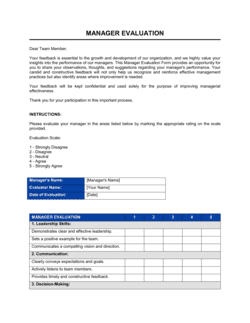
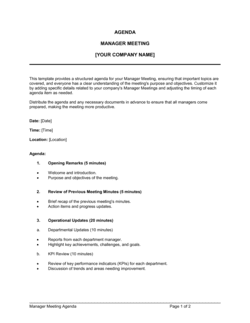
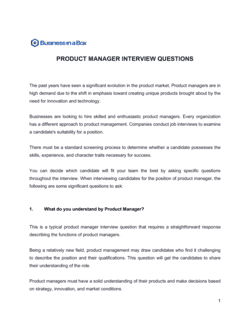
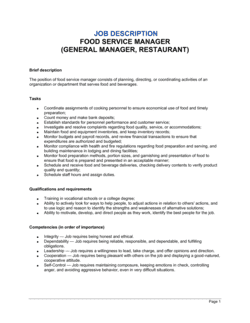
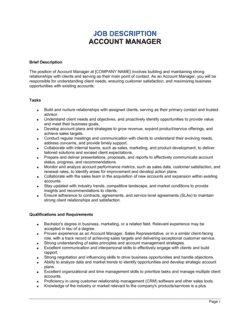
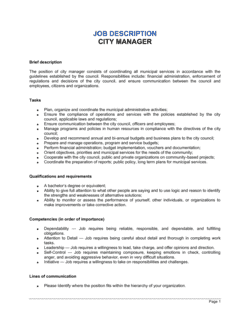
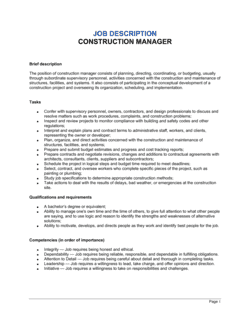
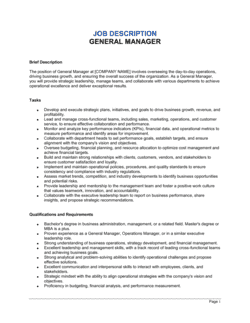
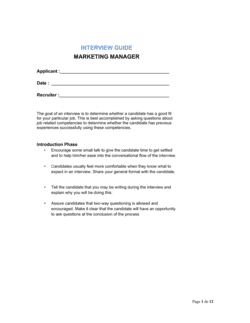
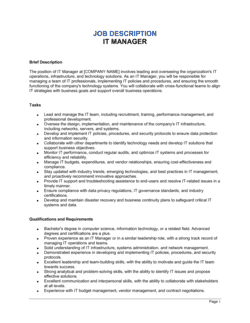
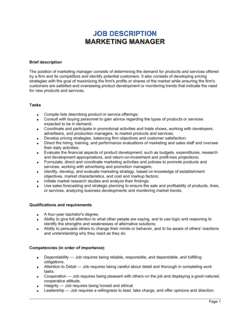
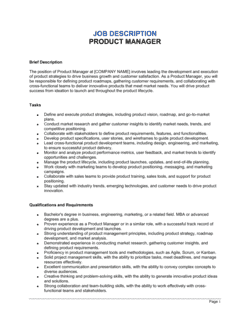
Each template is designed to help you move faster while giving your business more structure and consistency.
Browse All 3,000+ TemplatesPart of the Platform
Bookmark Manager Is Just One Part of the Operating System
Business in a Box connects bookmark management to everything else your business needs to run.
Tasks & Projects
Plan, assign, and track tasks with bookmarks linked directly to work.
Docs & Knowledge
Organize policies, procedures, and business documents in one place.
Chat & Calls
Communicate with your team without switching apps.
Dashboard
See bookmarks, project progress, and team activity in one view.
HR & People
Manage employees, onboarding, and team resource access.
Ratings & Reviews
Rated Highly by Businesses Worldwide
What Businesses Say
Trusted by 250,000+ Businesses Worldwide
“Fantastic value… paid back for itself many times over. The templates and tools save us hours every week.”
— Verified Capterra Review
“The most useful source of templates I have ever encountered. Professional and thorough. We use it for everything from timesheets to HR documents.”
— Verified G2 Review
“It has saved me so much time. I use it for everything from contracts to tracking employee hours. Having it all in one place is a game changer.”
— Verified GetApp Review
Enterprise-Ready Security
Built for Trust, Security, and Compliance
Your data is protected by enterprise-grade infrastructure and compliance standards.


Questions
Frequently Asked Questions


Stop Losing Important Links. Start Organizing Them.
Save, organize, and share bookmarks across your team — all inside one Business Operating System. Replace scattered browser bookmarks and standalone tools forever.
14-day money-back guarantee · Set up in minutes · Cancel anytime