Bookmark Management
Save Links. Organize Resources. Share Knowledge.
Business in a Box gives you bookmark management connected to projects, teams, and knowledge — so important links are organized, searchable, and shared across the organization.
The Problem
Important Links Get Lost in Browser Bookmarks Nobody Can Find
Useful articles, tools, resources, and reference links get saved in personal browser bookmarks — invisible to the rest of the team. When someone finds a great resource, it stays locked in their browser. When they leave, those bookmarks are gone.
Business bookmarks should be shared, organized, and searchable. They should connect to the projects and topics they relate to.
What Bookmark Management Can Do
Every Bookmark Need. One Connected Platform.
Bookmark management in Business in a Box connects your saved links to projects, teams, and knowledge.
Save & Organize
Save and Organize Bookmarks Centrally
Save links with titles, descriptions, and tags. Organize by project, category, or team. Always findable.
Team Sharing
Share Bookmarks with Your Team
Share useful links with team members, departments, or the whole company. Build a shared resource library.
Smart Search
Find Any Bookmark Instantly
Search across all bookmarks by title, description, tag, or URL. Never lose a link again.
Project Linking
Link Bookmarks to Projects and Topics
Connect bookmarks to the projects and topics they relate to. Project teams find relevant resources in context.
AI Curation
AI Suggests Relevant Resources
AI recommends bookmarks based on what you are working on. Surface the right resource at the right time.
Tags & Categories
Flexible Tag-Based Organization
Tag bookmarks with multiple categories. Filter and browse by tag, team, or project for quick access.

Full Capabilities
Everything Bookmark Management Delivers Inside the Platform
Not browser bookmarks. Organized, shared, searchable bookmarks connected to your operating system.
Built For
Who Uses Bookmark Management in Business in a Box
Whether you curate research or build resource libraries, bookmark management works for every team.
Research
Researchers & Analysts
Save and organize research links by topic. Share findings with the team. Build a searchable research library.
Operations
Operations Teams
Curate tool lists, vendor resources, and reference materials. Keep operational links organized and accessible.
Teams
Project Teams
Save project-related resources connected to the project. New team members find everything they need.
Knowledge
Knowledge Managers
Build curated resource collections. Share industry articles, best practices, and learning materials.
Part of the Platform
Bookmark Management Is Just One Part of the Operating System
Business in a Box connects bookmarks to everything in your business.
Tasks & Projects
Bookmarks linked to project work.
Knowledge Base
Bookmarks feed into knowledge.
Documents
Reference links in documents.
Chat
Share bookmarks in conversations.
Business AI
AI suggests relevant bookmarks.
Resource Templates
Templates for Knowledge & Resource Management
SOPs, research templates, and resource guides — included with your Business Box.
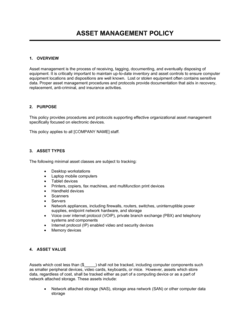
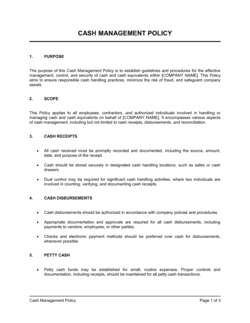
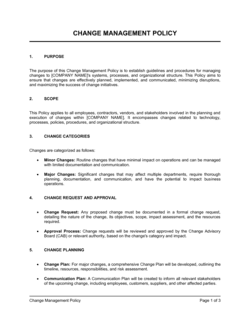
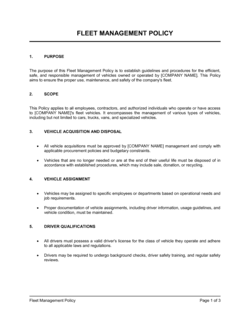
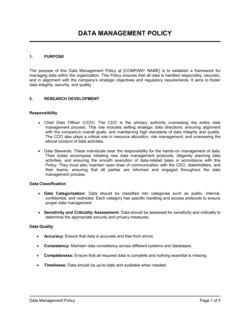
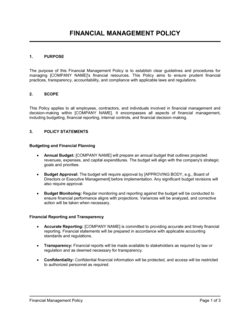
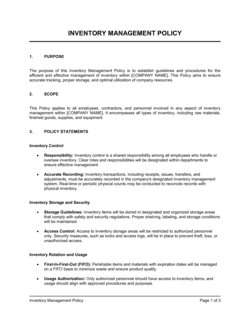
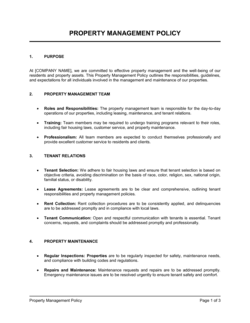
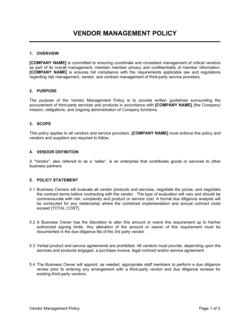
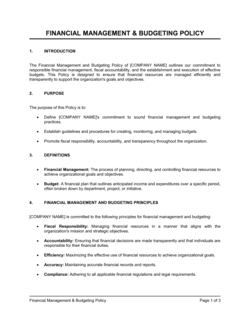
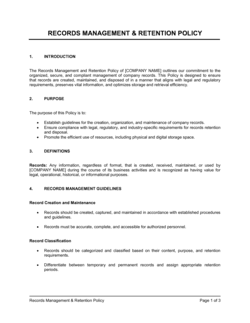
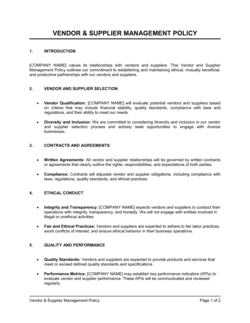
Each template is designed to help you move faster while giving your business more structure and consistency.
Browse All 3,000+ TemplatesPart of the Platform
Bookmark Management Is Just One Part ofthe Operating System
Business in a Box connects bookmark management to everything else your business needs to run.
Tasks & Projects
Plan, assign, and track tasks with full project management.
Docs & Knowledge
Organize policies, procedures, and business documents in one place.
Chat & Calls
Communicate with your team without switching apps.
Dashboard
See all data, project progress, and team performance in one view.
HR & People
Manage employees, attendance, and payroll-ready timesheets.
Ratings & Reviews
Rated Highly by Businesses Worldwide
What Businesses Say
Trusted by 250,000+ Businesses Worldwide
“Team bookmarks replaced our chaotic shared Google Doc of links. Everything is organized, tagged, and connected to the projects that need them.”
Emma Taylor — Research Director, Insight Partners
“New team members get instant access to all the resources our team has curated. No more 'can you send me that link again?' messages.”
Chris Henderson — Team Lead, Vertex Digital
“AI bookmark suggestions surface relevant resources while I work. It is like having a research assistant that knows my projects.”
Rachel Foster — Strategy Analyst, Summit Advisory
Enterprise-Ready Security
Built for Trust, Security, and Compliance
Your data is protected by enterprise-grade infrastructure and compliance standards.


Questions
Frequently Asked Questions


Stop Losing Important Links in Browser Bookmarks.
Save, organize, and share business bookmarks — connected to projects, knowledge, and teams inside one Business Operating System.
14-day money-back guarantee · Set up in minutes · Cancel anytime