1
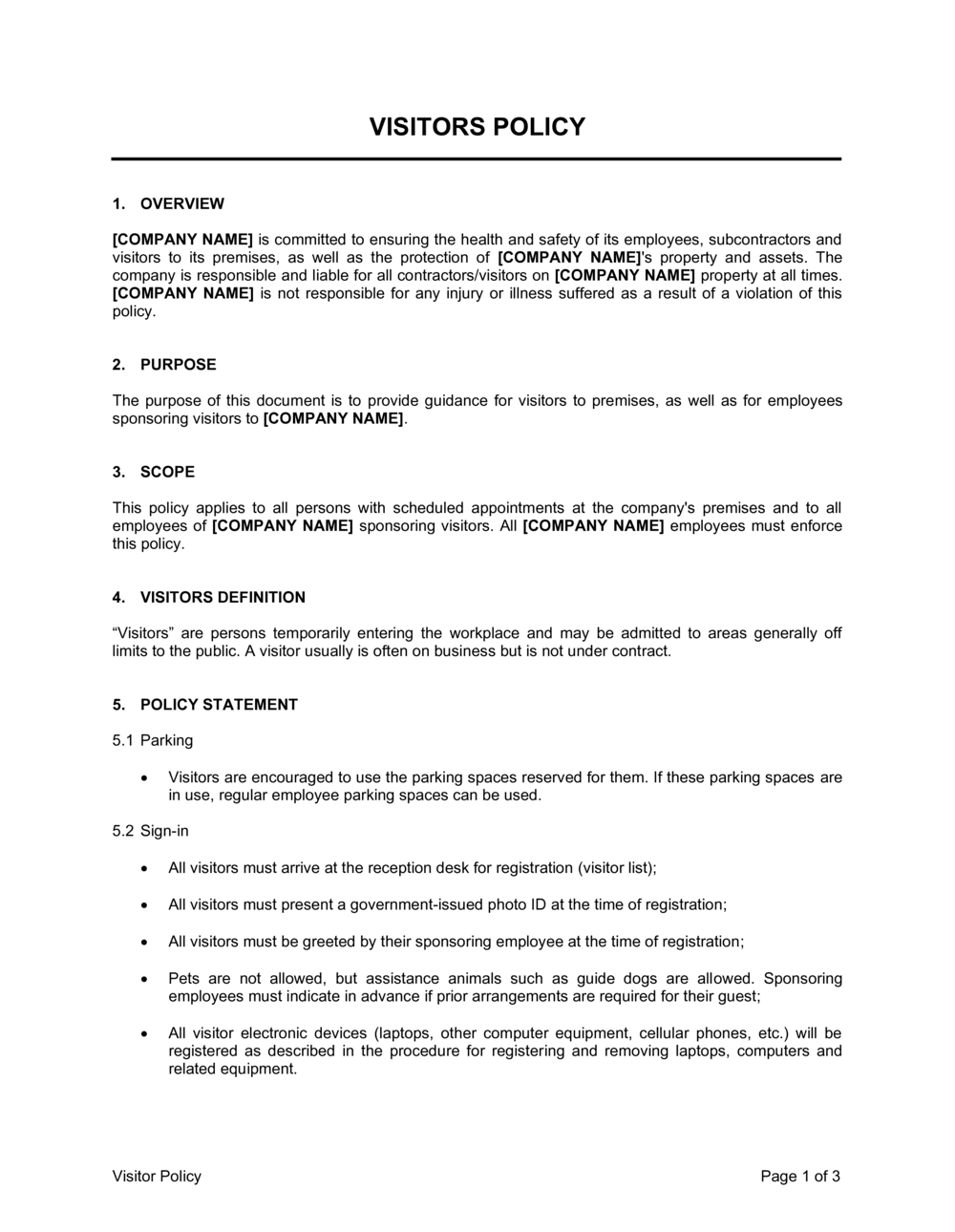
Complete the purpose and scope section
Enter your company name, all applicable facility addresses, and a plain-English summary of why the policy is needed. Confirm whether the policy covers all sites or only specific locations.
💡 If you operate more than one site with different security requirements, note that site-specific addenda supersede the base policy for those locations.
2
Define your visitor categories and access levels
List every type of visitor your facility receives and assign each category to an access tier — lobby only, escorted general access, or authorized restricted access. Review the list with your security or facilities team before finalizing.
💡 Add delivery personnel and government inspectors as explicit categories — they are commonly overlooked and have specific access constraints.
3
Set the pre-authorization window and process
Choose a minimum lead time for visitor registration (24 hours is standard for most offices) and name the system or contact — email, receptionist, or visitor management software — that hosts must notify.
💡 Link the pre-authorization step to your calendar system so that meeting invitations automatically trigger a reception notification.
4
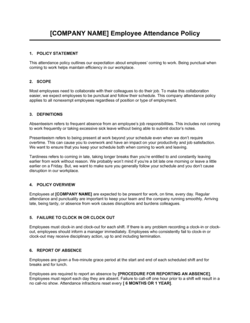
Document the sign-in procedure and badge rules
Specify which ID types are acceptable, whether digital or paper logs are used, and what information is captured for each visit. Confirm how long visitor log records are retained.
💡 Retain visitor logs for at least 12 months — SOC 2 and ISO 27001 auditors commonly request records from the prior year.
5
Map escort requirements to specific areas
Walk through your floor plan and mark each zone as unescorted-permitted, escorted-only, or restricted. Translate the floor plan into a written list in the escort section of the policy.
💡 Photograph or diagram the floor plan zones and attach it as Appendix A — visual references reduce confusion for both staff and visitors.
6
List all restricted and prohibited areas by name
Name every room or zone that is off-limits or requires special authorization. Include the job title responsible for granting exceptions and the process for requesting them.
💡 After drafting the list, physically verify that each restricted area has visible signage matching the policy language — signage and written rules must be consistent.
7
Add health, safety, and emergency details
Insert the location of emergency exits, the assembly point address, the name of the fire warden or safety officer, and any mandatory safety briefing topics the host must cover before the visit starts.
💡 Include a one-paragraph host checklist at the end of this section — a bullet list of briefing points hosts read aloud takes under two minutes and satisfies most H&S audit requirements.
8
Name the policy owner and publish to staff
Enter the job title responsible for administering and updating the policy, the effective date, and the review cycle (annually is standard). Distribute to all reception and security staff and include in the employee handbook.
💡 Schedule a calendar reminder 11 months after the effective date to trigger the annual policy review before it lapses.