1
Enter the seller's legal entity details
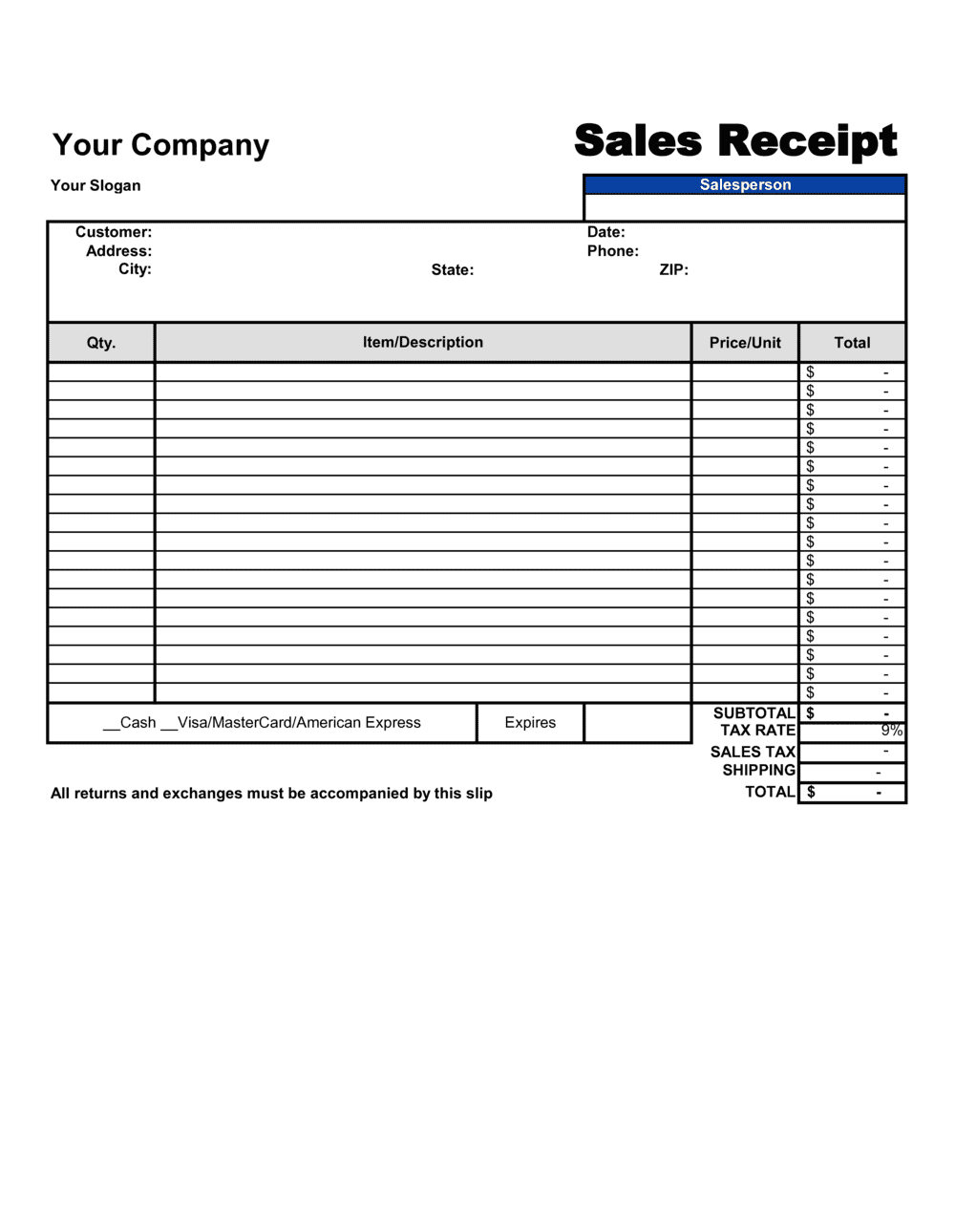
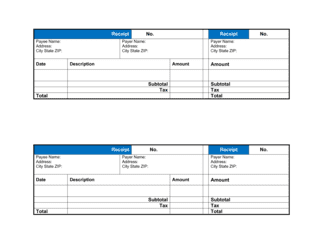
Fill in your registered business name, address, phone number, email, and tax identification number at the top of the template. Use the legal entity name that appears on your business registration, not just a trading name.
💡 Save a pre-filled master copy with your seller information so you only need to update the buyer details and line items for each new transaction.
2
Record the buyer's information
Enter the buyer's full legal name or business name and their billing address. For B2B transactions, include the buyer's tax ID if they will use the receipt for expense deduction.
💡 For high-value private-party sales, ask to see government-issued ID and record the buyer's ID number — this strengthens the receipt as evidence of a completed title transfer.
3
Assign a receipt number and record the transaction date
Use a sequential numbering system such as REC-YYYY-NNNN and enter the exact date and, for time-sensitive transactions, the time the sale was completed.
💡 A YYYY-NNNN format keeps receipts sortable by year and prevents numbering conflicts between fiscal periods.
4
Itemize every product or service with specific descriptions
List each item or service on a separate line with a clear description, quantity, unit price, and line total. Avoid generic labels — write enough detail that the item can be identified uniquely.
💡 For used or second-hand goods, note the condition (e.g., 'used, functional, minor cosmetic wear') directly in the item description to support the as-is disclaimer.
5
Calculate subtotal, discounts, tax, and total
Sum all line items to get the subtotal, apply any discount to the subtotal first, then calculate and add the applicable sales tax rate on the post-discount amount. State the total in the transaction currency.
💡 Confirm the correct sales tax rate for the buyer's delivery location — rates differ by state, county, province, and country, and applying the wrong rate creates a remittance error.
6
State the payment method and confirm payment received
Mark the payment method used and explicitly confirm that full payment was received. If a partial payment was made, state the outstanding balance and the due date for the remainder.
💡 For cash transactions, write out the amount tendered and change given — this closes any ambiguity about what was actually paid.
7
Add warranty, return policy, and title transfer language
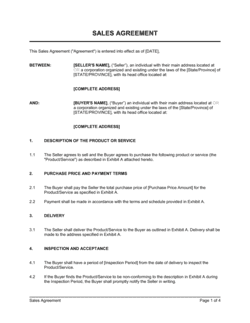
Choose between an express warranty statement and an as-is disclaimer, enter your return policy window and conditions, and confirm when title and risk of loss transfer to the buyer.
💡 Even for informal sales, explicitly stating 'sold as-is, no warranty' is far more protective than silence — implied warranties attach by law when nothing is written.
8
Obtain both signatures and distribute copies
Have both the seller and buyer sign and date the completed receipt. Provide the buyer with one signed copy and retain a signed copy for your records.
💡 For high-value transactions, use Business in a Box eSign to timestamp signatures digitally and store executed copies with an unalterable audit trail.