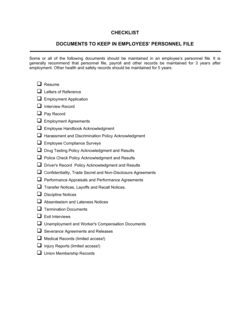
- Personnel File
- The complete collection of documents and forms maintained by an employer relating to a specific employee's entire tenure with the organization.
- I-9 Verification
- A US federal form employers must complete to verify that every employee is legally authorized to work in the United States.
- Right of Access
- An employee's legal right, recognized in many jurisdictions, to inspect their own personnel file and request copies of documents it contains.
- Retention Schedule
- A policy specifying how long each category of employment record must be kept before it may be lawfully destroyed — periods vary by document type and jurisdiction.
- Protected Characteristic
- Any attribute — such as age, race, sex, disability, or religion — that employment law prohibits employers from using as the basis for employment decisions.
- Data Minimization
- The principle, formalized in GDPR and similar laws, that employers should collect only the personal data strictly necessary for a defined, legitimate purpose.
- Adverse Action
- Any negative employment decision — termination, demotion, or discipline — that, if challenged, requires the employer to produce documented justification from the personnel file.
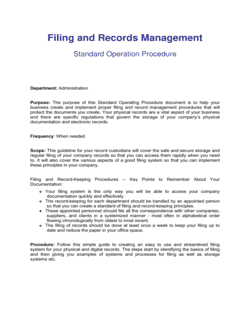
- Electronic Records
- Digital storage of employment documents that must meet the same accuracy, completeness, and retention requirements as paper files under most employment statutes.
- Probationary Record
- Documentation of an employee's performance, attendance, and conduct during the initial employment period, used to support decisions about continued engagement.
- Separation Record
- The portion of a personnel file covering the circumstances, documentation, and final payments associated with an employee leaving the organization.
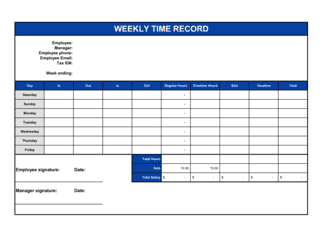
- Payroll Record
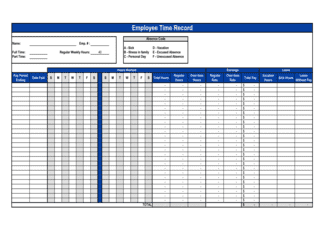
- The documented history of wages paid, hours worked, deductions applied, and tax withholding amounts for each employee over their period of employment.