1
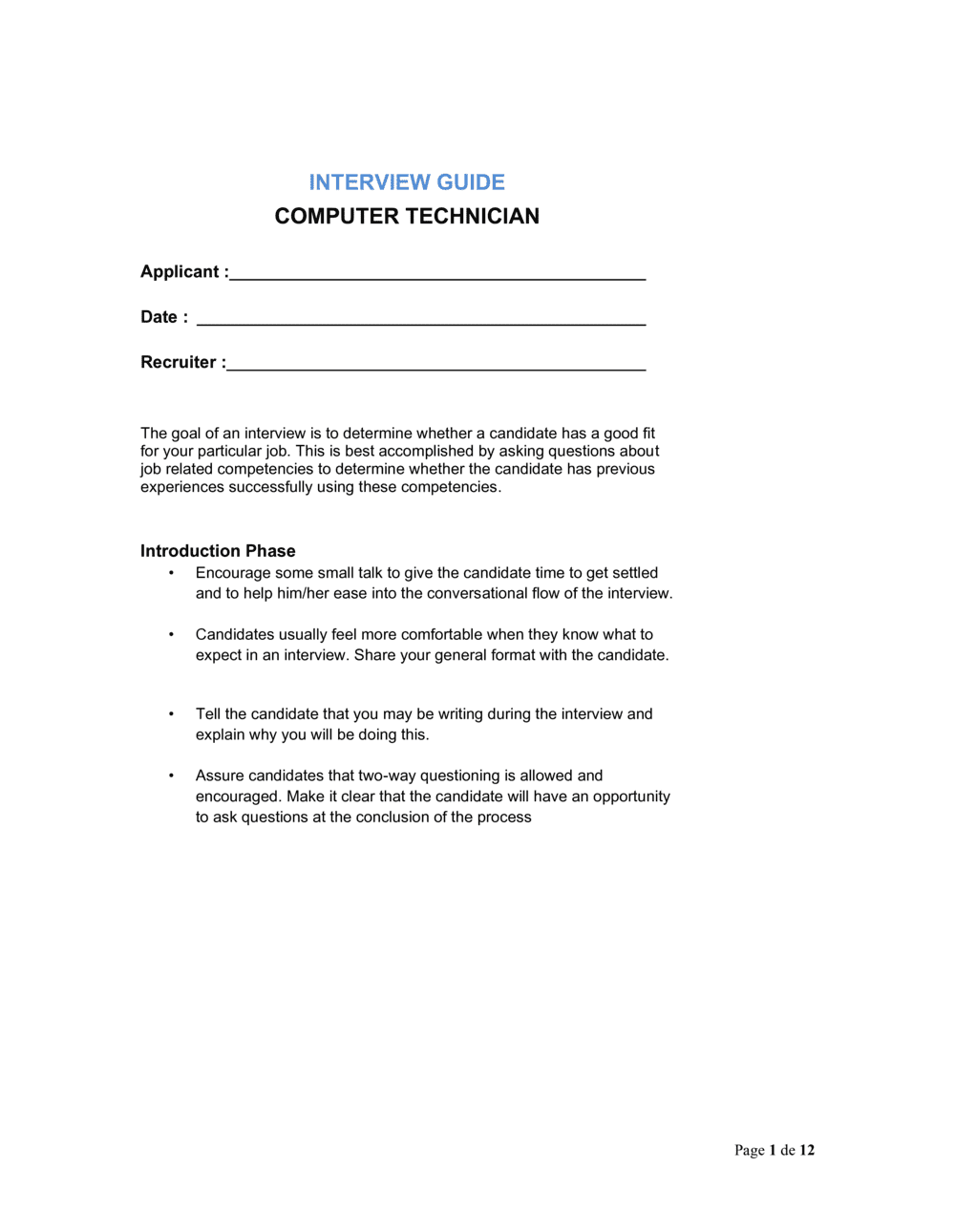
Define the role level and reporting structure
Enter the exact job title, department, manager name, and whether the role is tier-1 helpdesk, general technician, or a specialist position. This scopes the difficulty of scenario and technical questions.
💡 If you are filling multiple technician roles at different levels, maintain separate versions of the guide — do not adjust difficulty ad hoc during interviews.
2
List the five to seven core competencies you will evaluate
Select competencies directly from the job description: hardware diagnostics, OS support, networking, ticketing, communication, and any specialist skills (e.g., Active Directory, SCCM, macOS). Each competency needs at least one question tied to it.
💡 Limit to seven competencies maximum. More than that and interviewers lose track of what they are scoring and why.
3
Write or select technical questions with expected-answer benchmarks
For each technical competency, write one direct knowledge question and one scenario question. Record the key points a strong answer should include — these become your scoring benchmarks.
💡 Pilot each technical question with a current technician on your team. If they cannot answer it in under two minutes, the question is too advanced or too vague.
4
Select four behavioral questions tied to specific competencies
Choose behavioral questions that cover communication, prioritization, handling pressure, and one role-specific competency (e.g., dealing with recurring hardware failures or impatient users).
💡 Write one strong-answer example per behavioral question so interviewers know what a 4 or 5 score looks like before the interview begins.
5
Set the scoring rubric and pass threshold
Assign a 1–5 scale to each competency with a brief descriptor at levels 1, 3, and 5. Set a total pass threshold — for example, a minimum of 20 out of 30 points to advance to a second round.
💡 Publish the pass threshold to all interviewers before the first candidate. Changing it after scores come in undermines the objectivity of the process.
6
Assign question ownership in a panel interview
If two or more interviewers are conducting the session, assign each person specific sections so questions are not repeated and all competencies are covered without the interview running over time.
💡 The technical lead should own scenario questions; HR or the hiring manager should own behavioral and culture questions. This improves scoring accuracy for each section.
7
Print score sheets and conduct the interview
Print a separate score sheet for each interviewer. During the interview, record responses and preliminary scores in real time — do not wait until after the candidate leaves.
💡 Use the probing-question prompts printed in the guide whenever a candidate's answer is vague. 'Can you tell me more about exactly what you did?' is always appropriate.
8
Complete the panel debrief and record the final decision
Schedule a 20–30 minute debrief immediately after the last interview of the day. Have each interviewer share their total score and top-two rationale before open discussion begins. Record the final decision and supporting notes in the summary section.
💡 Keep completed interview guides on file for at least 12 months. If a hiring decision is challenged, the documented score sheets are your primary evidence of a fair, consistent process.