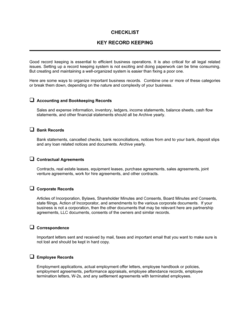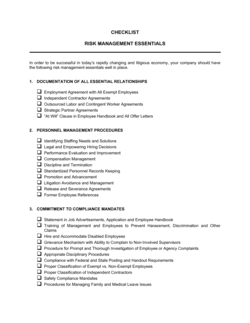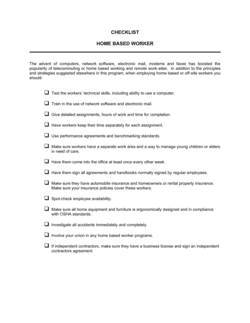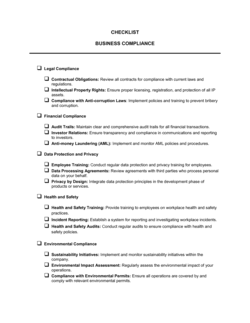
Checklist Routine Managerial Duties

Free download • Use as a template • Print or share

1 page15–20 min to useDifficulty: Standard
Learn more ↓
FreeChecklist Routine Managerial Duties Template

At a glance

What it is
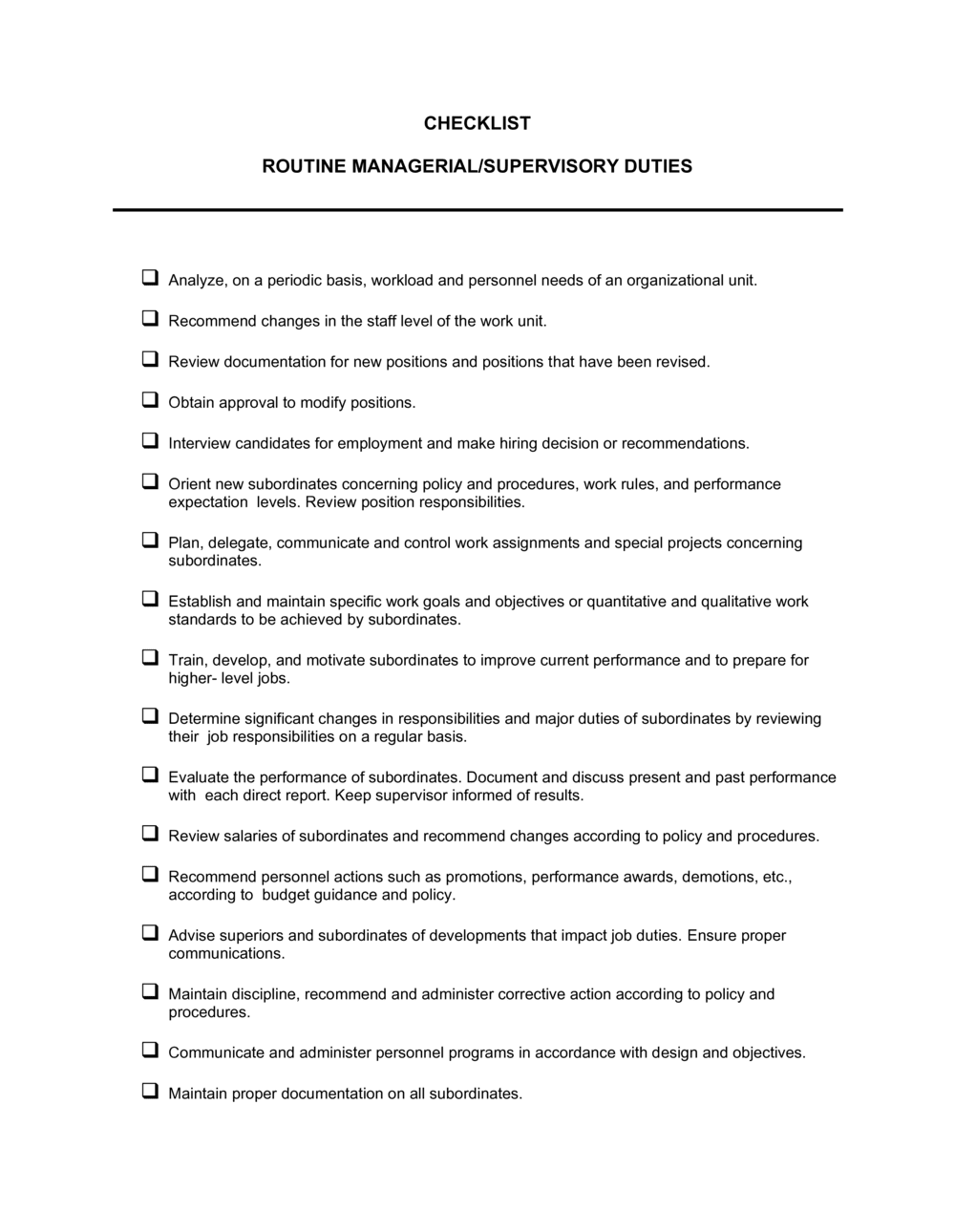
A Checklist Routine Managerial Duties is a structured form that organizes a manager's recurring responsibilities into a trackable daily, weekly, and monthly task list. This free Word download gives you a ready-to-use format you can edit online, print, or share digitally so nothing falls through the cracks.
When you need it
Use it whenever a manager needs to maintain consistent performance across recurring responsibilities — whether onboarding a new team lead, conducting internal audits, or standardizing operations across multiple locations.
What's inside
Sections for daily operational tasks, weekly team and reporting duties, monthly reviews, and completion sign-off fields. Each task row includes a description, frequency, responsible party, and a done/not-done status indicator.

What is a Checklist Routine Managerial Duties?

A Checklist Routine Managerial Duties is a structured form that organizes a manager's recurring operational responsibilities into a trackable list grouped by frequency — daily, weekly, and monthly. It identifies each task, assigns a responsible party, records completion status, and provides a sign-off field so supervisors can verify that management standards are being met consistently. Unlike informal notes or verbal commitments, this checklist creates a dated, retrievable record that links specific duties to specific people and periods.

Why You Need This Document

Without a structured checklist, recurring managerial tasks get deprioritized when workloads spike — safety walkthroughs skipped, one-on-ones cancelled, reports submitted late or not at all. The consequence is not just operational inconsistency; it is the absence of any record that the duties were performed, which creates real exposure during audits, grievances, or performance disputes. A completed checklist shows exactly what was done, when, and by whom. For businesses scaling across departments or locations, it is the difference between assuming your managers are running consistently and being able to prove it.

Which variant fits your situation?

If your situation is…Use this template
Tracking daily opening and closing duties for a retail or hospitality locationStore Opening and Closing Checklist
Onboarding a new manager and outlining their full role scopeNew Employee Onboarding Checklist
Conducting a structured performance review of a manager's outputEmployee Performance Evaluation Form
Planning and tracking departmental goals over a quarterAction Plan Template
Delegating a specific project task list to a team memberProject Task List
Auditing compliance with internal procedures across departmentsInternal Audit Checklist

Common mistakes to avoid

❌ Filling in the checklist retroactively

Why it matters: Completing the form at the end of a shift or week from memory introduces errors and defeats its function as a real-time accountability record.

Fix: Mark tasks complete immediately after finishing them. Brief tasks completed from memory over a day ago should be flagged as unverified rather than checked off.

❌ Using a one-size-fits-all task list across different roles

Why it matters: A checklist built for a warehouse supervisor applied to a marketing manager contains irrelevant tasks and misses critical role-specific duties.

Fix: Customize the task list for each role or department before deployment. Spend 20 minutes with the relevant manager to confirm the task inventory is accurate.

❌ Skipping the issue log when tasks are blocked

Why it matters: Leaving a checkbox blank with no explanation creates ambiguity — reviewers cannot distinguish 'task not done' from 'task not applicable this period.'

Fix: Train managers to use the issue log for every incomplete task, even if the note is brief. 'Not done — system outage, IT ticket #1234' is sufficient.

❌ Signing off without reviewing the full checklist

Why it matters: Perfunctory sign-offs mean the form provides no real oversight signal — supervisors relying on it for performance accountability receive false assurance.

Fix: Build a two-minute review step into the sign-off process: scroll every row before signing, not just the last one completed.

The 8 key fields, explained

Manager Name and Role

Reporting Period

Daily Operational Tasks

Weekly Responsibilities

Monthly Reviews and Reporting

Team Communication and Meetings

Issue Log and Escalations

Completion Sign-Off

How to fill it out

  1. 1

    Enter the manager's name, role, and reporting period

    Fill in the manager's full name, job title, department, and the exact date or date range the checklist covers. This turns the form from a generic template into an accountable record.

    💡 Pre-fill the name and period at the start of each week or month to eliminate blank-field errors later.

  2. 2

    Customize the task list to match actual duties

    Review the default task rows and replace any that don't apply with duties specific to the manager's role and department. Delete placeholders rather than leaving them blank.

    💡 Run the customized template past the manager's direct supervisor before first use to confirm scope accuracy.

  3. 3

    Assign a frequency to every task

    Tag each task as daily, weekly, or monthly. Move tasks to the correct section if they've been placed under the wrong frequency during customization.

    💡 If a task doesn't fit daily, weekly, or monthly, create a 'quarterly' row rather than forcing it into a shorter cycle.

  4. 4

    Complete tasks and mark status in real time

    Check off each task as it is completed rather than filling in the checklist retroactively at the end of the day or week. Real-time completion improves accuracy and surfaces blockers earlier.

    💡 For tasks that cannot be completed, note the reason in the issue log rather than leaving the checkbox blank.

  5. 5

    Log any issues or escalations immediately

    Record unresolved items, unusual events, or escalated concerns in the issue log field with a date and the name of whoever the issue was raised with.

    💡 A one-sentence description with a date is enough — don't write a narrative here; detailed notes belong in a separate incident log.

  6. 6

    Sign off and submit for supervisor review

    Once all tasks for the period are marked, sign and date the completion field. Submit or file the completed checklist per your organization's record-keeping process.

    💡 Store completed checklists in a shared folder by month — they become the primary evidence of consistent management during performance reviews and audits.

Frequently asked questions

What is a managerial duties checklist?

A managerial duties checklist is a structured form that lists a manager's recurring responsibilities — organized by daily, weekly, and monthly frequency — with fields to mark completion, note issues, and sign off for the period. It functions as both an operational prompt and an accountability record that supervisors can review during performance evaluations.

What tasks should appear on a manager's daily checklist?

Daily tasks typically include confirming team attendance, reviewing open issues or tickets, conducting safety or compliance walkthroughs, running team stand-ups, and checking against daily KPIs or targets. The exact list depends on the industry and role — a retail supervisor's daily duties differ from those of an IT team lead — so customize the default list before use.

How does this checklist differ from a to-do list?

A to-do list is informal and personal — tasks are added and removed ad hoc. A managerial duties checklist is a standardized business document with defined frequencies, assigned responsibilities, and a sign-off field that creates an auditable record. To-do lists disappear; completed checklists are retained as evidence of consistent management.

How often should the checklist be reviewed or updated?

Review the task list at minimum quarterly, or whenever a manager's role scope changes significantly. Tasks that are consistently marked complete without issue may be candidates for delegation; tasks that are regularly skipped need investigation — either the frequency is wrong or the manager needs support.

Can this checklist be used for manager performance reviews?

Yes. Completed checklists over a 3–6 month period provide concrete evidence of consistency, task completion rates, and issue escalation patterns. Supervisors can reference them during performance discussions to support ratings with specific dates and behaviors rather than general impressions.

Should the checklist be digital or printed?

Either works. Digital versions in shared drives or task management tools allow real-time visibility for supervisors and automatic archiving. Printed versions work well in field environments — warehouses, retail floors, or construction sites — where device access is limited. The key is consistent filing so completed forms are retrievable.

Who should receive the completed checklist?

Typically the manager's direct supervisor, and in some organizations the HR department for filing. For multi-location businesses, completed checklists often feed into a regional operations report. Establish a submission process before deploying the checklist so managers know where and how to submit.

How do I adapt this template for a remote or hybrid manager?

Replace location-based tasks — safety walkthroughs, physical equipment checks — with digital equivalents: reviewing team availability in a shared calendar, checking project board status, and confirming async communication is up to date. Add a weekly video meeting confirmation row and a prompt to review any time-zone scheduling conflicts for distributed teams.

How this compares to alternatives

vs Employee Performance Evaluation Form

A performance evaluation form assesses how well a manager or employee performed over a defined review period — typically quarterly or annually. A managerial duties checklist tracks whether specific recurring tasks were completed in real time. The checklist generates the evidence that makes a performance evaluation concrete and defensible.

vs Action Plan Template

An action plan maps steps toward a specific goal or project outcome with owners and deadlines. A managerial duties checklist covers ongoing operational responsibilities that recur indefinitely regardless of any particular goal. Action plans are temporary; managerial checklists are permanent operational tools.

vs Meeting Agenda Template

A meeting agenda structures a single scheduled meeting — topics, time allocations, and participants. A managerial duties checklist includes recurring meeting responsibilities as one item among many broader operational tasks. The agenda governs what happens inside a meeting; the checklist ensures the meeting happens at all.

vs Standard Operating Procedure (SOP)

An SOP documents the step-by-step process for completing a specific task correctly. A managerial duties checklist confirms that a set of tasks was completed on schedule — it references SOPs rather than replacing them. Use an SOP to define how a task is done; use the checklist to track that it was done.

Industry-specific considerations

Retail

Shift managers use the checklist to confirm opening and closing procedures, cash reconciliation, and loss-prevention walkthroughs on a daily basis.

Manufacturing

Line supervisors track safety inspections, equipment checks, production target reviews, and shift handover notes as required recurring duties.

Healthcare

Department managers record compliance checks, staffing confirmation, incident log reviews, and regulatory reporting deadlines as structured recurring duties.

Professional Services

Practice managers and team leads use the checklist to track client file reviews, utilization reporting, team one-on-ones, and billing cycle tasks.

Template vs pro — what fits your needs?

PathBest forCostTime
Use the templateAny manager or business owner who needs a ready-to-use recurring task tracker without custom developmentFree15–30 minutes to customize and deploy
Template + professional reviewOrganizations deploying the checklist across multiple locations or roles where task standardization needs HR or operations sign-off$0–$100 (internal review time)1–2 hours
Custom draftedEnterprises integrating managerial duty tracking into an HR platform, ERP, or compliance management system$500–$3,000+ (software configuration or consultant)1–4 weeks

Glossary

Recurring Task
A duty that repeats on a defined schedule — daily, weekly, or monthly — and must be completed consistently to maintain operations.
Completion Status
A field indicating whether a task has been done, skipped, or carried over, typically marked as a checkbox or dropdown.
Responsible Party
The named individual or role accountable for completing a specific task on the checklist.
Task Frequency
How often a duty must be performed — daily, weekly, bi-weekly, or monthly — as defined in the checklist.
Shift Handover
The process of transferring operational responsibility from one manager or supervisor to the next, including updating the checklist with completed and outstanding tasks.
KPI Review
A scheduled examination of key performance indicators to assess whether team or department targets are on track.
Escalation
The process of flagging an unresolved issue to a higher level of management when a task cannot be completed within normal parameters.
Sign-Off
A manager's written acknowledgment that all listed tasks for a given period have been reviewed and their status recorded.

Part of your Business Operating System

This document is one of 3,000+ business & legal templates included in Business in a Box.

  • Fill-in-the-blanks — ready in minutes
  • 100% customizable Word document
  • Compatible with all office suites
  • Export to PDF and share electronically

Create your document in 3 simple steps.

From template to signed document — all inside one Business Operating System.
1
Download or open template

Access over 3,000+ business and legal templates for any business task, project or initiative.

2
Edit and fill in the blanks with AI

Customize your ready-made business document template and save it in the cloud.

3
Save, Share, Send, Sign

Share your files and folders with your team. Create a space of seamless collaboration.

Save time, save money, and create top-quality documents.

★★★★★

"Fantastic value! I'm not sure how I'd do without it. It's worth its weight in gold and paid back for itself many times."

Managing Director · Mall Farm
Robert Whalley
Managing Director, Mall Farm Proprietary Limited
★★★★★

"I have been using Business in a Box for years. It has been the most useful source of templates I have encountered. I recommend it to anyone."

Business Owner · 4+ years
Dr Michael John Freestone
Business Owner
★★★★★

"It has been a life saver so many times I have lost count. Business in a Box has saved me so much time and as you know, time is money."

Owner · Upstate Web
David G. Moore Jr.
Owner, Upstate Web

Run your business with a system — not scattered tools

Stop downloading documents. Start operating with clarity. Business in a Box gives you the Business Operating System used by over 250,000 companies worldwide to structure, run, and grow their business.

Free Forever Plan · No credit card required