1
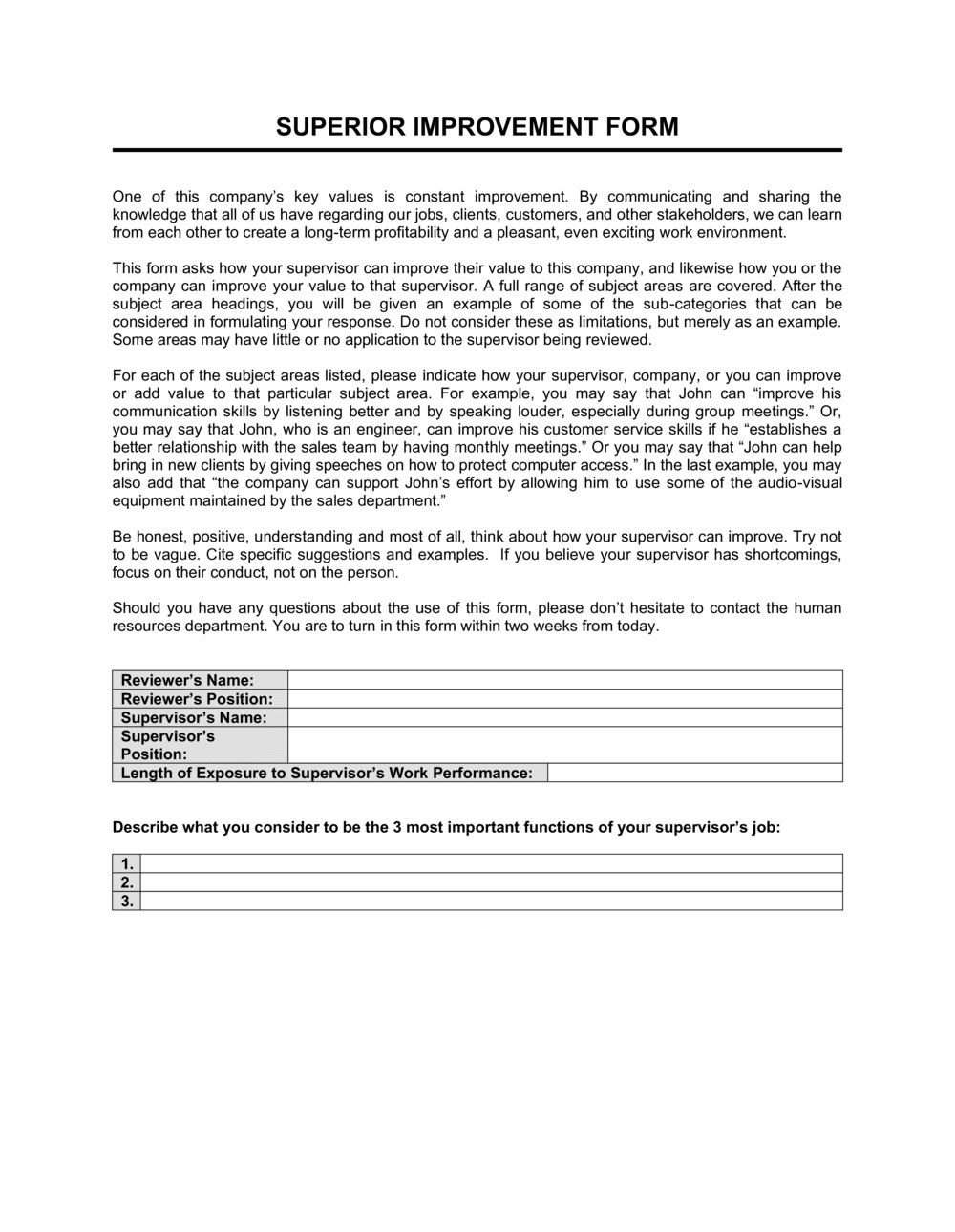
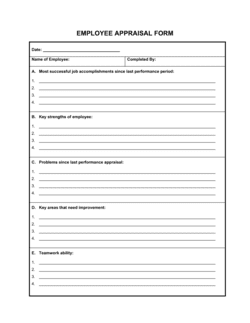
Complete the employee and supervisor identification fields
Enter the employee's full legal name, job title, department, and employee ID exactly as they appear in your HR system. Add your own name and title as the completing supervisor.
💡 Cross-check the employee ID against your HRIS before printing — a wrong ID routes the form to the wrong file.
2
Record the specific performance or conduct issue
Write a factual, observable description of the problem. Stick to what was seen or measured — missed deadlines, output errors, attendance counts, or specific conduct — not personality assessments.
💡 Read the description aloud. If it contains adjectives like 'lazy' or 'difficult,' rewrite it as a measurable fact.
3
State the expected standard clearly
Reference the job description, company policy, or team agreement that defines what the role requires. If no written standard exists, document the expectation in this field and follow up with a policy update.
💡 You cannot hold an employee to a standard they were never told about — if this is the first time the standard is being stated in writing, note that and set a reasonable grace period.
4
Log specific incidents with dates
List two to four recent incidents that establish a pattern, including the date, what happened, and whether verbal feedback was given at the time.
💡 If you gave verbal feedback previously, note the approximate date and what was said — it demonstrates the progressive discipline process was followed.
5
Define specific, measurable improvement actions
List two to four concrete steps the employee must take, each phrased as a measurable action — 'submit X by Y date' or 'complete Z training by MM/DD' — not abstract goals.
💡 Improvement actions that cannot be objectively measured cannot be enforced or assessed at follow-up.
6
Set a follow-up date and document next steps
Schedule the check-in meeting before delivering the form. Enter the date, and note what the next escalation step will be if improvement is not demonstrated — verbal record, written warning, or PIP.
💡 30 to 60 days is the standard follow-up window for most performance issues; shorter for conduct or safety concerns.
7
Deliver, sign, and file the form
Meet with the employee in private to review the form together. Allow them to read it, ask questions, and sign the acknowledgment. File the original in the employee's HR record and give the employee a copy.
💡 If the employee refuses to sign, note 'Employee declined to sign — form delivered on [DATE]' and have a witness countersign.