1
Complete the identification and review period fields
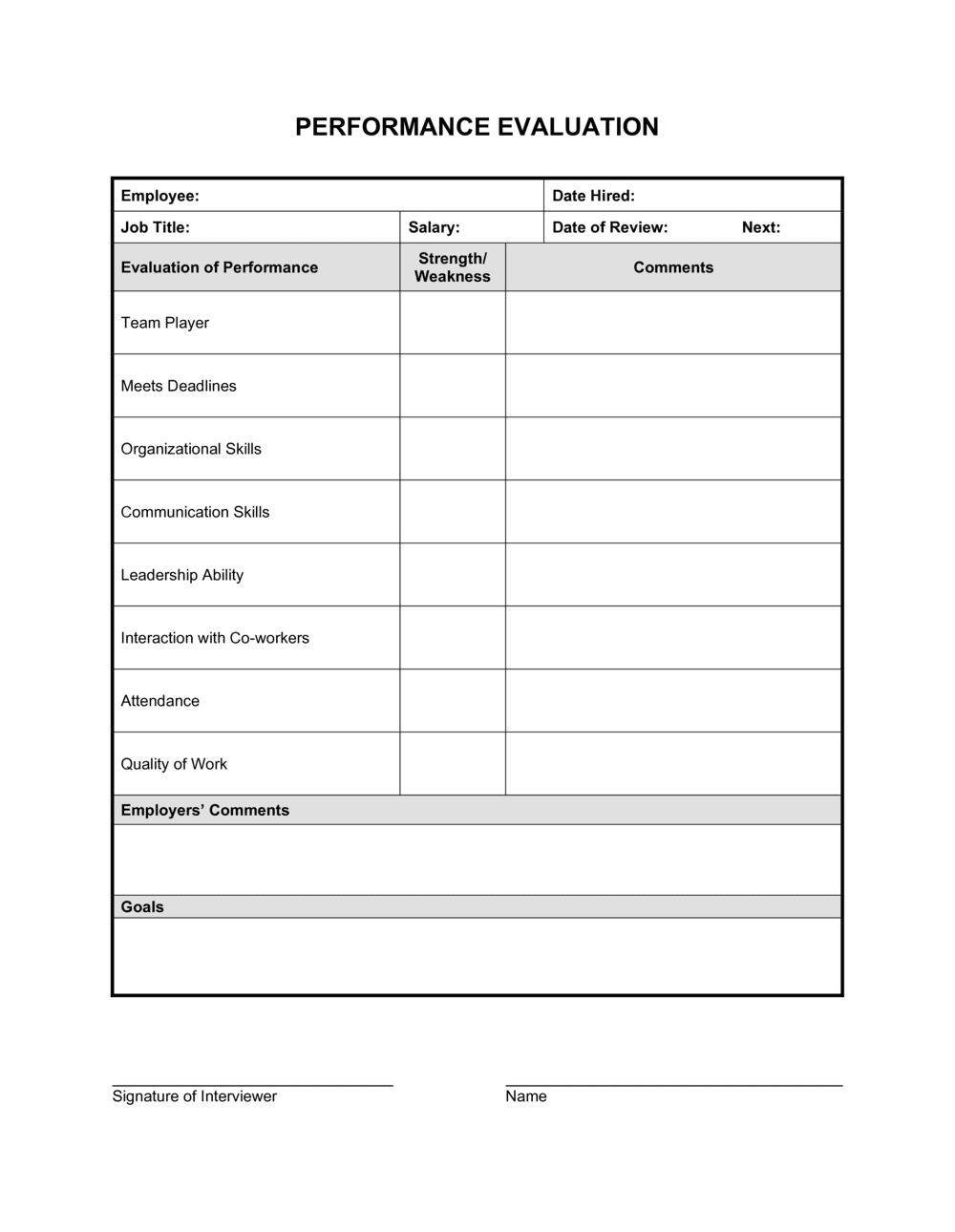
Enter the employee's full legal name, job title, department, employee ID, reviewing manager's name and title, and the exact start and end dates of the review period. Cross-reference HR records to confirm the employee ID and title match payroll.
💡 Set the review period dates before you begin rating — this anchors your recall to the correct window and reduces recency bias.
2
Define or confirm the rating scale
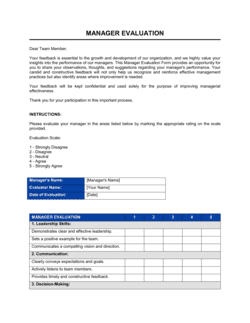
Ensure the rating scale definitions are visible at the top of the form before completing any competency section. If your organization uses a custom scale, update the definitions in this section before distributing the form.
💡 Run a calibration session with peer managers once per year to align on what each rating level looks like in practice for your specific roles.
3
Rate each competency with specific behavioral examples
Work through each competency category, assign a rating, and write at least one specific, dated behavioral example in the comments field. Pull from notes, project records, or 1:1 meeting logs rather than relying on memory.
💡 Keep a running document of notable employee behaviors throughout the year — reviewing 12 months of notes takes 20 minutes; reconstructing them from memory the day before the review takes much longer and is less accurate.
4
Review and rate goal achievement
Pull the goals set at the start of the period, record the actual measurable result against each target, and assign a rating. If goals were changed during the period, document the reason for the change before rating.
💡 If a goal was blocked by factors outside the employee's control (budget cut, scope change), note that explicitly — it protects both the employee's rating and the manager's decision-making record.
5
Calculate the overall rating from documented inputs
Apply the weighting formula (e.g., 60% competencies, 40% goal achievement) to arrive at the overall rating. Do not adjust the calculated score upward or downward without documenting the specific reason in the manager comments section.
💡 Document the weighting formula on the form itself — managers who apply undocumented overrides are the most common source of discrimination claims.
6
Write the development plan with owners and deadlines
For each identified gap, write a specific development action, assign it to either the employee or the manager, and set a completion date. Tie at least one next-period SMART goal to each development area.
💡 Limit development actions to two or three priorities per cycle — too many dilutes focus and creates an unrealistic record of commitments.
7
Conduct the review meeting before obtaining signatures
Share the completed form with the employee at least 24 hours before the meeting. Walk through each section, allow the employee to ask questions, and give them time to write their comments before anyone signs.
💡 Document the date and time of the review meeting in the form — this timestamp is important if the evaluation is later challenged.
8
Obtain dual signatures and file the completed evaluation
Both the manager and the employee sign and date the form. Provide the employee with a copy immediately. File the original in the employee's personnel file and, if applicable, a digital copy in your HRIS.
💡 If an employee refuses to sign, have them write 'Received but disagree' and sign that — their refusal to sign is itself a documented event you want on record.